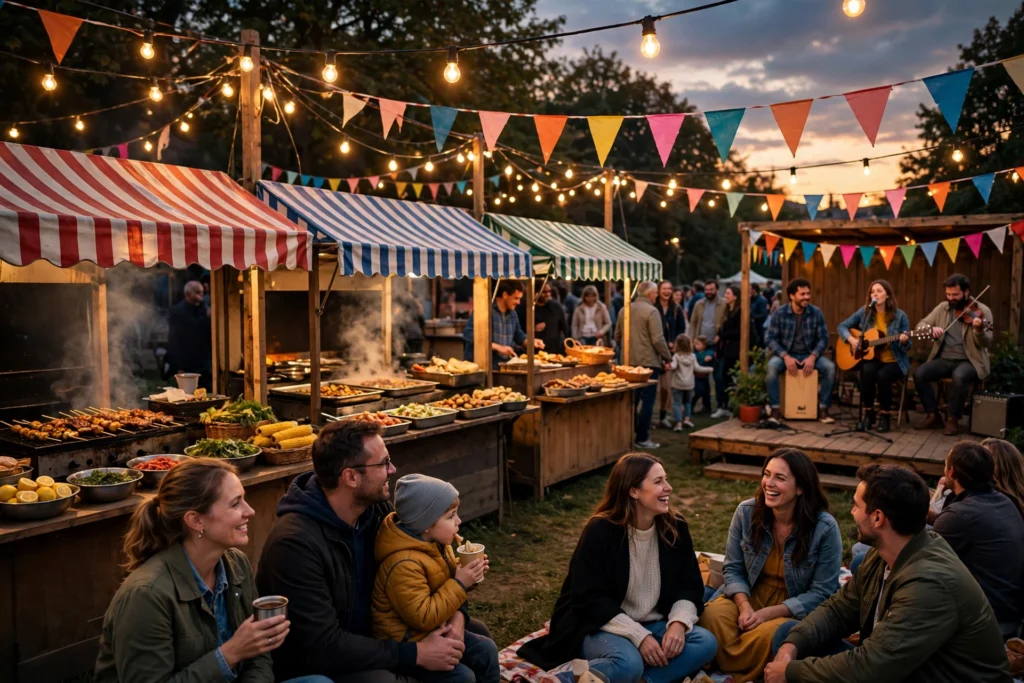
A family deciding which local festival to attend this weekend is not browsing — it is choosing how to spend its one free day, while it searches for festivals near me, checks the dates and ticket prices, and looks for proof of good food, live music and something the kids will enjoy. The festival that shows up first, shows real photos of past crowds and happy visitors, and makes tickets simple to buy earns the visit before the next festival is even opened.
This guide covers SEO for local festivals in 2026: how visitors and vendors search when a festival season begins, how pages for each event and attraction win the searches that matter, how a straightforward website builds excitement before the gates open, and how a festival turns a search into a ticket sale — so the next family planning a weekend out finds you first.
1. Start with the map: the visitor decides on your profile
The shortlist for a local festival forms on Google, mostly on a phone, while a family or a group of friends is weighing dates, ticket prices and what is actually on offer. Your Google Business Profile is where you make or miss that shortlist:
- Categories: “Festival” as primary, with “Event Venue” or “Fairground” added only where they honestly describe what you offer.
- Dates and hours listed plainly: the festival dates, opening times, ticket prices and age limits — named the way visitors search for them.
- Photos of real crowds: bright stages, food stalls, rides and visitors enjoying the day, so a family can see the atmosphere before making a plan.
- Location and parking details: your address, parking areas and transit options stated clearly, so nobody gives up on the trip before it begins.
- Tickets in one tap: a ticket button and a simple booking link, so a visitor can buy a pass straight from the search without a second step.
2. One event, one page: each search earns its own page
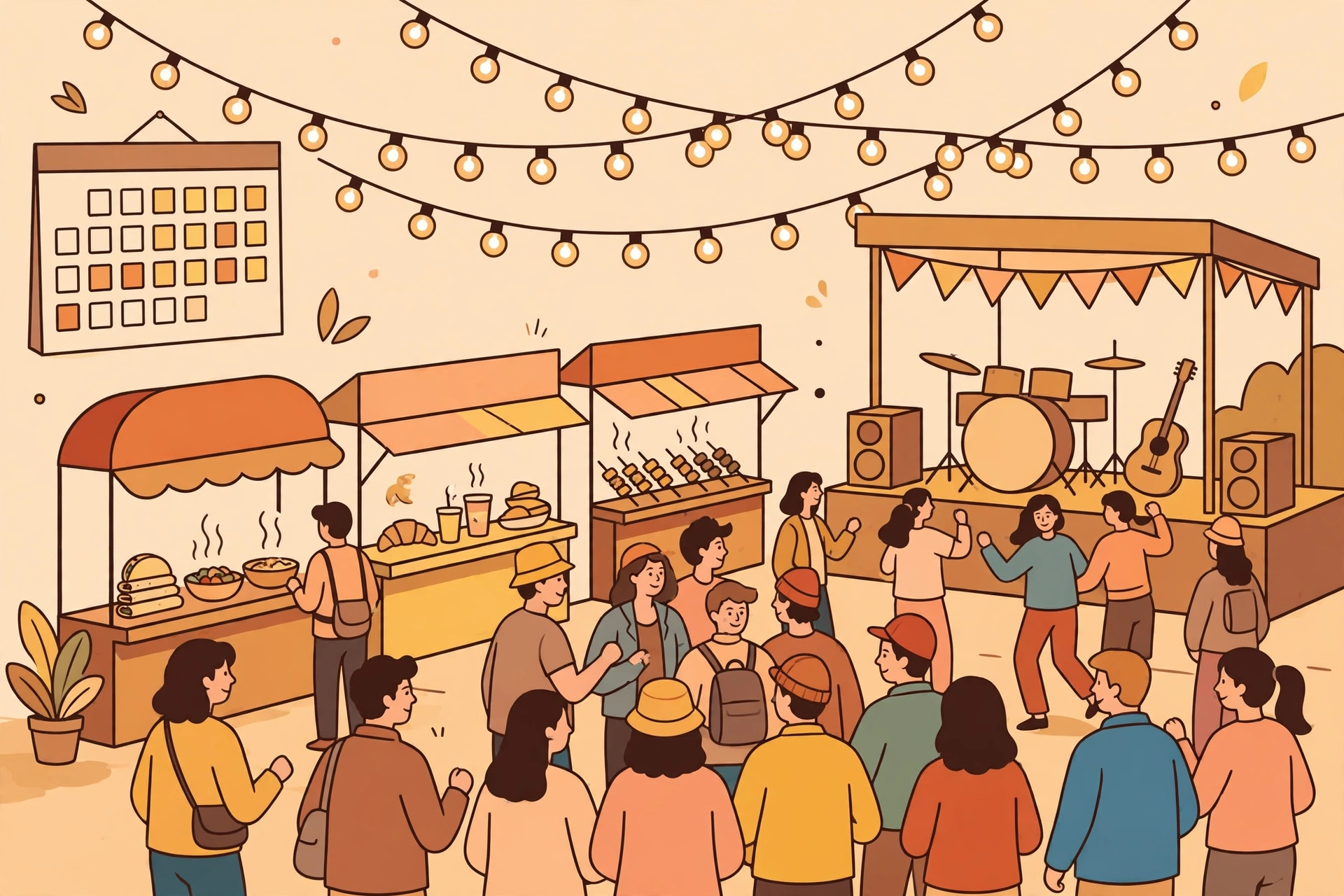
A visitor searching “festivals near me this weekend” is not the same visitor as one searching “food festival near me” or “music festival Brampton” or “family festival Brampton” or “summer festival Brampton 2026.” Each kind of festival is different, carries different questions, and deserves its own page:
- Music festival pages: written to the fan choosing a day out — the line-up, the stages, the set times, and how the day runs from gates to the final act.
- Food festival pages: written to the visitor coming hungry — the vendors, the dishes, the tastings, and how to plan a route through the stalls.
- Family festival pages: written to the parent planning a day with kids — the rides, the activities, the quiet areas, and what a ticket covers for children.
- Cultural festival pages: written to the visitor seeking a tradition — the performances, the crafts, the food, and the story behind the celebration.
Each page carries photos of your festival at its best, the details visitors actually ask about, and the next step to buy a ticket. It is the same page-per-search discipline behind videographer SEO — visitors reward the festival that answers their exact need, in their exact moment, first.
Don’t blur the events into one. A visitor asking what bands are playing wants a line-up, not a paragraph that mentions every attraction and explains none of them. Separate pages let each visitor — and each search — land exactly where they belong.
3. Visitors and vendors: the two sides festivals serve
The most valuable enquiry is not the one-off question about a single ticket — it is the visitor who finds you, loves the day, and brings five friends next year. Festival searches sound urgent because they are: “festivals near me this weekend,” “best festival Brampton,” “summer festival Brampton,” “food festival near me.”
Build your content around the visitor ready to buy a ticket first, and make the vendor and performer path a clear second route. Answer the questions visitors ask before the day: what is included in the ticket, where do I park, what food is there, and what happens if it rains. Name your attractions plainly and explain the day in plain language. A page that reads like a steady, knowledgeable guide converts; one that reads like a generic listings page does not.
What this looks like in Brampton
Brampton’s festival demand follows its neighbourhoods: families across Springdale, Castlemore, Fletcher’s Meadow, Mount Pleasant and Bramalea, where summer weekends, school holidays and community celebrations all send people looking for a festival close to home. Demand peaks from late spring through early autumn, with the summer months bringing the biggest crowds and the winter bringing indoor markets and holiday events, and the festivals that are visible, findable and quick to answer when the search begins earn the visit before the next event is opened.
Word of mouth is the local currency: families tell other families first, and reviews that name the festival and the neighbourhood (“summer festival in Springdale, great food, kids loved it”) are the deciding evidence for the next family choosing a festival. A well-run day in one neighbourhood quietly becomes the next five hundred ticket sales nearby.

4. Service-area pages: the neighbourhood search is the one that pays
A festival search is a search with a decision already attached. “Festivals near Brampton,” “summer festival in Brampton,” “food festival near me Brampton” — these are the queries that turn into a ticket sale within days, and they are won by pages that state the area plainly. A page for each neighbourhood and landmark you genuinely serve — naming the streets, the parks and the routes nearby — ranks for those searches while a single “location” paragraph ranks for nothing.
Keep each page honest and specific: the attractions common there, the transit and parking nearby, a photo of your festival at its best. Season deserves its own attention too — the summer peak and the winter markets, and the quieter months when visitors plan ahead — because a family that cannot find a festival at its hour does not wait, and does not leave a kind review. Link each area page from your events page and your profile, so a visitor — and a search engine — can follow the map from your front gate to their reason for visiting.
5. AI search: the assistant recommending your festival
Visitors increasingly start with an AI tool: “festivals near me this weekend,” “best festival in Brampton,” “food festival near Brampton,” “family festival Brampton.” The answers are assembled from complete, consistent content — event pages with honest details, your dates and ticket prices stated the same everywhere, and reviews that mention the atmosphere and the result. Festivals with real pages get summarised accurately and recommended by area; festivals with a one-page site leave the assistant nothing accurate to say, and it says something about a competitor instead.
6. Your website: built to turn a search into a ticket sale
A festival website has one job — move a visitor from a family searching for a weekend out to a family that has bought its tickets:
- Tickets up front: the ticket button and the prices visible on every page without scrolling, working on a phone in under a minute.
- The day without fog: what each ticket includes, how the day runs, and the attractions behind it, stated plainly. A visitor that cannot see a clear first step does not buy.
- Photos on every page: the stages, the food stalls, the crowds and the performers, not buried on a separate page nobody visits.
- Contact in one tap: a message link and a phone number, with the questions answered on the spot (what is included, where do I park, what food is there, what happens if it rains).
7. Reviews: the trust engine that brings the next visitor
A festival is judged one visitor at a time, and reviews are where the next family learns whether the food was good, the music was worth it, and the kids had fun. The moment that matters most is the day after the festival — the visitor is still excited, the photos are fresh, and the ask takes thirty seconds. Ask visitors to mention what actually matters to the next buyer: the attractions they enjoyed, the food they tried, and the neighbourhood where the festival sits.
Respond to reviews the way you run your festival — promptly and with care. A worry about queues or parking is a chance to show the next reader that concerns get heard, not ignored. Reviews that name the event and the area (“food festival in Bramalea, great stalls, easy parking”) do double duty: they reassure the next visitor and they feed the exact phrases search engines associate with your festival.
8. What to measure so you know it’s working
Measure ticket sales and enquiries per event and per page: calls, message clicks and ticket purchases from each event page, your visibility for “festivals near me this weekend” and “summer festival Brampton,” and the split between first-time visitors and returning visitors who came last year. Track which pages bring the visitors who actually attend too — a family that buys tickets and returns next year is worth more than a dozen quick enquiries. Attendance is the metric underneath all of it: SEO that fills your festival with real visitors shows up next month as a full field, not a full inbox.
Season is the other quiet signal. Note which weeks the summer peak and the autumn harvest events actually draw crowds and how the quieter months move demand — then publish next season’s event content earlier, and let your pages and reviews speak to those neighbourhoods by name.
9. Mistakes that quietly cost festivals the next ticket sale
The recurring ones: one generic “events” page for every kind of festival, so urgent searches land nowhere. No photos of real crowds, so visitors cannot see the atmosphere or the attractions. No area pages, so the neighbourhood search goes to a competitor. Dates and ticket prices out of date on the profile, so a family ready to buy finds last year’s event. Reviews never asked for, so the trust signal never builds. Reviews never answered, so the next visitor assumes nobody is listening. And silence between seasons — no new event information, reviews or posts — so each new season starts from zero against festivals who never stopped.
Frequently Asked Questions (FAQ)
How do festivals rank for “festivals near me this weekend”?
With a complete Google Business Profile — dates and ticket prices kept current, real photos of your crowds and your stages — backed by a dedicated page for each event and a page for each area you serve, each with a one-tap way to buy a ticket.
Should each kind of festival have its own page?
Yes. A fan wanting a music festival needs the line-up and set times explained, a visitor wanting a food festival needs the vendors and dishes covered, and a parent wanting a family festival wants the rides and activities answered — three different visitors with different questions. Separate pages rank for each search and convert far better than one combined events page.
What do visitors look for on a festival website?
Honest photos of real crowds, a clear description of each attraction, the dates and ticket prices, the parking and transit options, and a simple way to buy a ticket. Visitors are planning a day out — a website that feels lively, open and easy to book earns the visit.
How do reviews help a festival?
Reviews are the trust signal a visitor calls on. Ask the day after the festival, when the visitor is still excited and the photos are fresh, and encourage mentions of the attractions, the food and the neighbourhood. Those same phrases feed the searches that bring the next visitor in.
What should a festival put on area pages?
The neighbourhood and landmarks you serve, the streets, parks and routes nearby, the attractions common there, and a photo of your festival at its best. Visitors need answers quickly, and a page that gives them is the one that gets the ticket sale.
Get a free SEO audit of your website
A 120 point crawl, a competitor gap map and a 90 day roadmap, ready in 48 hours. Free, with no obligation.

SEOelinks is a Brampton-based SEO agency helping service businesses across Canada and worldwide win organic search. Our strategists publish the same field-tested playbooks on technical SEO, local visibility and AI search that we run for clients every day.
More about SEOelinks →