Nobody searches for a café or a bakery by accident. The person typing “coffee shop near me” is already out the door, and the person typing “best croissant in [city]” has already decided to buy — they just need to know where. Both will walk into one of the first places they see, because hunger and habit decide in seconds, and the photos, reviews and opening hours on screen do the deciding.
This guide covers café and bakery SEO the way it actually works in 2026 — local rankings, the menu and occasion pages that bring in the right customers, the photos that sell a pastry before anyone tastes it, and the reviews that keep a place full.
1. Local SEO is where cafés and bakeries win — or lose
Cafés and bakeries are local, repeat-visit businesses. Almost every valuable search carries a place or a craving: “coffee shop [city],” “bakery near me,” “sourdough bread [neighbourhood],” “birthday cake [city].” These queries convert far better than broad terms like “how to bake bread,” because the searcher has already decided they want something nearby — and soon.
Three things decide who ranks for them.
Google Business Profile: your most important listing
For a café or bakery, a complete Google Business Profile often outranks a website for map and local-pack results. Treat it like your shopfront for local search:
- Category: pick your actual specialty — “Coffee Shop” as primary for a café, “Bakery” as primary for a bakery, with “Cafe” or “Cake Shop” only if you genuinely offer both. The wrong primary category costs you the searches that matter.
- Services and products: list what you actually sell — espresso drinks, pour-over, sourdough, croissants, custom cakes, gluten-free bakes, catering — each with a short description. Customers search by craving, and products are how Google matches you to those searches.
- Description: write the full description with your signature items, dietary options, seating and wifi, and the areas you serve.
- Photos: upload real photos of your real food and your real space — latte art, a tray of fresh pastries, your counter at opening time, a cake you actually made. Google asks for JPG or PNG between 10 KB and 5 MB, at least 720×720 px recommended, in focus and well lit. Videos can be up to 30 seconds, 75 MB, 720p or higher. For a visual business, photos are not decoration — they are the menu. Always get a customer’s permission before posting a photo that identifies them.
- Posts: publish to your profile regularly — today’s special, a seasonal drink, a newly opened cake-ordering slot, a holiday pre-order deadline. An active profile signals relevance, and a pre-order deadline is a booking in disguise.
- Reviews: request a review from happy regulars, ideally within a day or two of a great visit, with a direct link to your review page. Ask customers to mention the item and the experience — “best croissant in Brampton and the friendliest café” in review text is exactly the kind of keyword-rich social proof that helps local rankings.
One location page per neighbourhood you serve
If you serve several neighbourhoods, give each major one its own page — e.g. yoursite.com/bakery-brampton. Each page should have genuinely unique content (never the same template with the neighbourhood name swapped), mentions of nearby landmarks, schools and offices, and the items customers in that area order most. Add LocalBusiness schema with the neighbourhood in areaServed.
Citations and NAP consistency
Claim your listings on Yelp, TripAdvisor, your local chamber and food directories, and delivery platforms where you are listed. Your name, address and phone number must be identical everywhere — “Brampton Bakehouse” on Google and “Brampton Bake House” on Yelp reads as two different businesses to search engines. Also claim Apple Business Connect: it controls how your business appears in Apple Maps, Siri, Spotlight and Safari — every iPhone user in your market — and most competing cafés skip it.
2. Menu and occasion pages: your highest-converting content
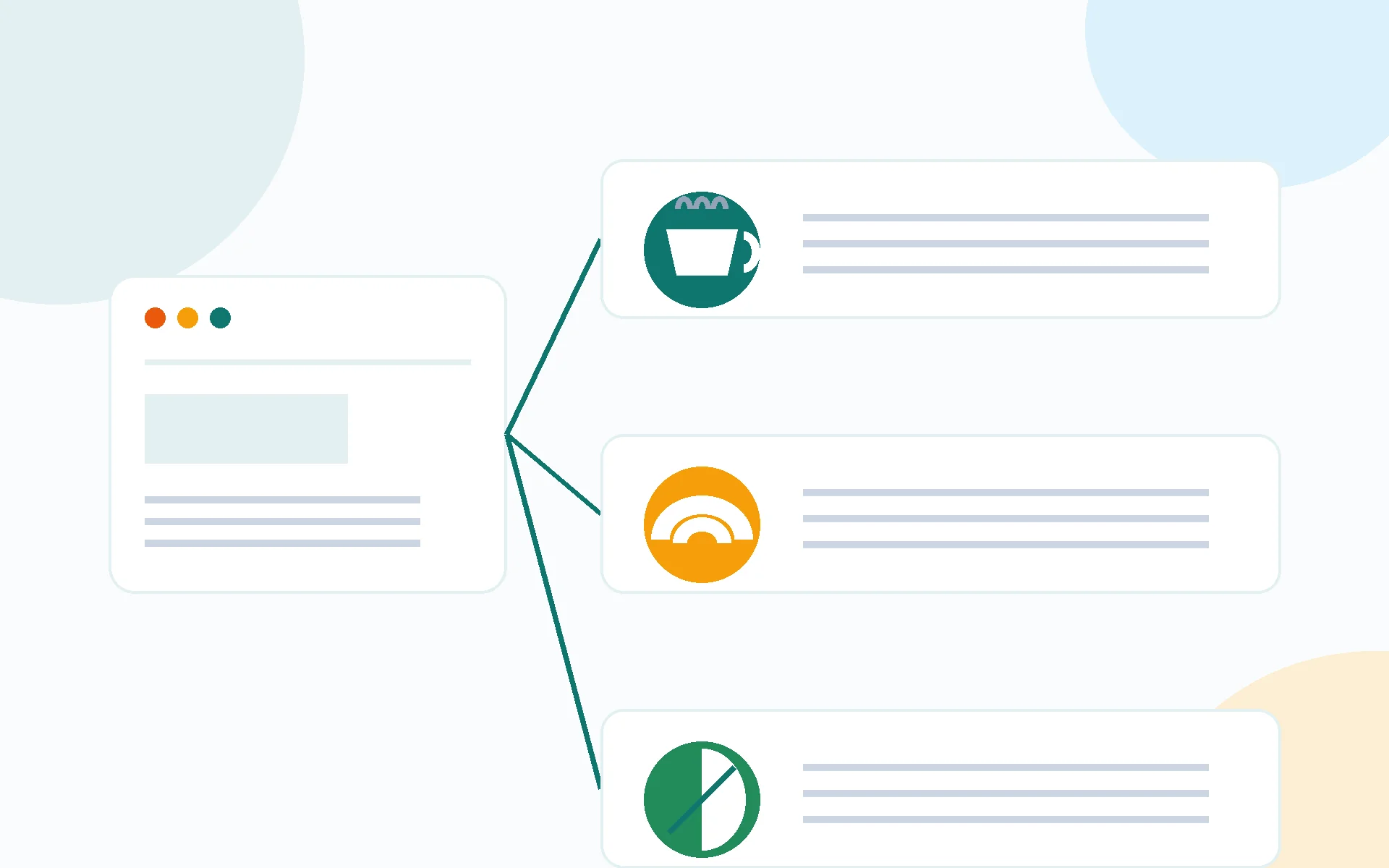
Customers search by craving and by occasion, not by business name. “Sourdough bread near me,” “gluten-free cake [city],” “wedding cake bakery,” “café with wifi to work from.” A page for each menu line and each occasion you serve is a page that can rank for exactly those searches — and the customer who lands on it is already hungry.
- One page per menu line: sourdough and artisan bread, croissants and pastries, custom cakes, gluten-free and vegan bakes, espresso and pour-over, brunch. Each page explains the item in plain language, what goes into it, when it is available, and how to order it.
- One page per occasion: wedding cakes, birthday cakes, corporate catering, holiday pre-orders, café catering for meetings. Occasion pages should state lead times, minimum orders and how to enquire — the details a customer needs before they commit.
- Answer the question behind the search: “How much does a custom wedding cake cost in [city]?” deserves a direct, honest answer near the top — not three paragraphs of background first. AI search tools quote pages that answer directly. Give ranges and the factors that move the price — size, servings, design complexity, flavours — rather than a single number you cannot stand behind.
- Internal links: every menu and occasion page should link to your order page, your opening hours, and the related location page. A customer who finds your wedding-cake page should be one click from an enquiry.
3. Photos and video: the trust signal that decides the visit
Customers choose a café by the food they see, and a bakery by the bakes they see. Your gallery is your strongest ranking and conversion asset — and it is also the content Google and AI tools can actually show.
- Fresh-baked, same-day photos — the single most persuasive post a bakery can publish. A tray coming out of the oven, a cake being finished, latte art poured to order. One strong fresh photo a day beats a month of stock images.
- Seasonal and local angles — pumpkin-spice season, holiday cookie boxes, a neighbourhood farmers’ market your team attends, a local roaster you stock. Local, timely content earns local links and local shares.
- Real food, real names (with permission) — “Maya’s birthday cake, vanilla bean with raspberry” with the customer’s permission builds more trust than any stock image. Ask at pickup while the customer is happiest with the result.
- Behind the counter, briefly — a 60-second clip of bread being shaped or a cake being decorated, embedded on the matching page, keeps visitors on the page longer and gives YouTube a reason to surface your business too.
- Keep it honest: photograph what you actually sell, at the quality you actually serve. A photo that overpromises is a one-star review waiting to happen.
4. Reviews: the ranking signal you control
Reviews are the local signal that separates the map pack from everyone else — and for a business customers choose by taste and atmosphere, they are also the trust signal that decides the visit. What matters is a steady flow, not a burst: ask happy customers, make it one click with a direct link, and respond to every review. Aim for a steady cadence (a few new reviews a month) rather than a burst after one good week followed by silence — review recency is part of what keeps a profile ranking.
Two rules specific to food businesses:
- Never incentivize reviews or ask only happy customers to review. Ask everyone, the same way, every time. Selective solicitation violates platform policies.
- Never argue about taste in a public reply. Thank the customer, keep it general, and take any personal discussion offline. A warm, generic reply protects your reputation and still signals that the business is engaged.
5. Show up in AI search (2026 edition)
AI search tools — Google’s AI Overviews, ChatGPT, Perplexity — are changing how customers find cafés and bakeries, and businesses need text for machines to cite. Audit your site with the images mentally removed: is there enough written content for an AI to know who you are, what you serve, where you are, and why you are credible?
- Rewrite your about page with specifics: location, signature items, dietary options, seating, wifi, hours, ordering and pre-order process. Generic copy (“We love coffee”) gives AI nothing to quote.
- Add FAQ sections to your homepage and menu pages — 3–5 real customer questions (“Do you take cake orders?”, “Do you have gluten-free options?”, “Can I work from your café?”). FAQ-formatted content is exactly what AI tools pull from, and with FAQ schema it also earns expandable results in classic search.
- Keep NAP, hours and menu details consistent across your site, GBP and directories — AI answers cite businesses whose details agree everywhere. Nothing loses a customer faster than an AI answer quoting hours you changed last month.
6. Technical basics that cost you customers when skipped
- Mobile first: test your site on your phone. Can a visitor see your hours, your menu and your order button without zooming? Most café and bakery searches start on mobile, often from a customer standing on the street outside.
- Speed: compress images, drop unused plugins, choose fast hosting. A slow menu page is a lost customer — and a hungry one will not wait for it to load.
- Order and call buttons: if you take pre-orders or cake enquiries online, make the button visible on every page, with a tap-to-call button on mobile. Every extra step between “I want that cake” and an order loses customers to the bakery whose order button is one tap away.
- Search Console: verify your domain. It’s the only source of truth for which searches bring you visitors and which pages earn clicks.
Frequently Asked Questions (FAQ)
How long does SEO take for a café or bakery?
Local SEO typically shows movement in 2–4 months: GBP optimization and review flow can lift map-pack visibility quickly, while menu pages and seasonal content compound over 6–12 months.
What is the most important SEO factor for cafés and bakeries?
A complete, active Google Business Profile with your correct specialty category, every product listed, real photos of your actual food and a steady flow of customer reviews — it’s the single highest-ROI move in local food-business SEO.
Should a café or bakery have a page for every menu item?
Not every item — one page per menu line and per occasion (sourdough, custom cakes, wedding cakes, catering) lets you rank for the craving-based searches customers actually type, and each page should link straight to your order form.
Can cafés and bakeries ask customers for Google reviews?
Yes, if you ask everyone the same way and never offer incentives. Ask happy customers, make it one click with a direct link, and never argue about taste in a public reply.
Can AI search send customers to a café or bakery?
Yes, if your site gives AI tools text to cite: a specific about page, menu and occasion pages, FAQ sections, and consistent business details across your site, GBP and directories.

SEOelinks is a Brampton-based SEO agency helping service businesses across Canada and worldwide win organic search. Our strategists publish the same field-tested playbooks on technical SEO, local visibility and AI search that we run for clients every day.
More about SEOelinks →