Technical SEO Checklist Every Website Needs
A complete technical SEO guide for website owners, developers, marketers, and SEO teams who want stronger crawlability, indexability, performance, and search visibility.
A website can have excellent content and still struggle to rank if search engines cannot crawl, understand, index, or render it properly. That is why a technical SEO checklist is essential. Technical SEO is the foundation that allows content, links, and user experience improvements to work.
Technical SEO is often misunderstood as a developer-only task. In reality, it sits between development, content strategy, analytics, and search performance. It includes crawlability, indexability, site architecture, page speed, mobile usability, structured data, redirects, canonicals, internal linking, security, and measurement.
This guide explains every major technical SEO area in practical language. It is designed to help you audit a website thoroughly, prioritize fixes, and understand which issues can directly affect rankings, traffic, and user experience.
Table of Contents
Keyword and Search Intent Analysis
The main keyword is technical SEO checklist. The search intent is practical and informational. Readers want a list, but they also need explanation. A weak checklist simply names tasks. A strong checklist explains why each task matters, how to check it, and what to fix first.
Semantic keywords include crawl budget, indexing, robots.txt, XML sitemap, canonical tags, redirects, Core Web Vitals, mobile-first indexing, HTTPS, structured data, internal links, orphan pages, duplicate content, JavaScript SEO, log files, site architecture, and Google Search Console.
Important long-tail keywords include technical SEO audit checklist, website technical SEO checklist, Core Web Vitals checklist, indexability checklist, crawlability checklist, and technical SEO for WordPress websites.
The competitor gap is that many technical SEO checklists are too shallow. They list tasks without prioritization. This article explains how to diagnose, prioritize, and implement each technical improvement.
What Technical SEO Means
Technical SEO is the process of improving the technical foundation of a website so search engines can access, understand, index, and evaluate pages properly. It does not replace content quality or authority, but it supports both.
Think of technical SEO as the infrastructure of organic search. If roads are broken, signs are missing, and important rooms are locked, visitors cannot reach the destination easily. Search engines face similar problems when pages are blocked, duplicated, slow, buried, or poorly connected.
Crawlability Checklist
Crawlability is the ability of search engines to discover and access your pages. If a page cannot be crawled, it usually cannot rank. Start with crawl access before editing content or building links.
1. Check robots.txt
Robots.txt tells crawlers which areas they may or may not access. Mistakes in this file can block important sections. Review it after redesigns, migrations, staging deployments, or plugin changes.
2. Review XML sitemaps
An XML sitemap should include important indexable URLs. It should not be full of redirects, broken URLs, noindex pages, or duplicate versions. Submit the sitemap in Google Search Console and monitor errors.
3. Find orphan pages
Orphan pages have no internal links pointing to them. They may exist in the sitemap or analytics, but users and crawlers cannot discover them naturally. Add relevant internal links or remove pages that have no purpose.
4. Audit crawl depth
Important pages should not be buried too deeply. If a revenue page takes five or six clicks to reach from the homepage, it may need stronger placement in the site structure.
5. Check server errors
Frequent 5xx errors can reduce crawl reliability. Server stability matters because crawlers need consistent access to evaluate content.
Indexability Checklist
Indexability determines whether a crawled page is eligible to appear in search results. A page can be crawlable but still not indexable.
1. Check noindex tags
A noindex tag tells search engines not to include the page in the index. This is useful for thin utility pages, but dangerous when applied accidentally to important content.
2. Review canonical tags
Canonical tags tell search engines which version of a page is preferred. Incorrect canonicals can point authority away from the page you want to rank.
3. Handle duplicate content
Duplicate pages can confuse search engines and weaken performance. Use canonicals, redirects, consolidation, or unique content depending on the cause.
4. Check URL parameters
Filtered pages, tracking parameters, and sorting options can create large numbers of duplicate URLs. Control parameter behavior carefully, especially on eCommerce websites.
5. Use Search Console coverage data
Google Search Console shows indexed and excluded pages. Review exclusions to find unexpected noindex tags, duplicates, soft 404s, and crawled-but-not-indexed URLs.
Site Architecture and Internal Linking
Site architecture helps search engines understand which pages matter and how topics relate. Good architecture also helps users navigate efficiently.
A strong architecture includes clear categories, logical URLs, breadcrumbs, contextual internal links, and important pages accessible within a few clicks. Avoid isolated pages and messy navigation.
Internal linking rules
- Link from relevant pages, not random footers only.
- Use descriptive anchor text.
- Support important commercial pages from related informational pages.
- Update links after deleting, merging, or redirecting pages.
- Avoid linking every page to every other page without context.
Page Speed and Core Web Vitals
Page speed affects user experience and can influence search performance, especially when a site is slow or unstable. Core Web Vitals focus on loading speed, interactivity, and layout stability.
Largest Contentful Paint
LCP measures how quickly the main content loads. Improve it by optimizing images, reducing server response time, using caching, and limiting render-blocking resources.
Interaction to Next Paint
INP evaluates responsiveness. Heavy scripts, poorly optimized JavaScript, and excessive third-party code can hurt interaction speed.
Cumulative Layout Shift
CLS measures visual stability. Reserve space for images, ads, embeds, and dynamic elements to avoid page movement while loading.
Mobile SEO Checklist
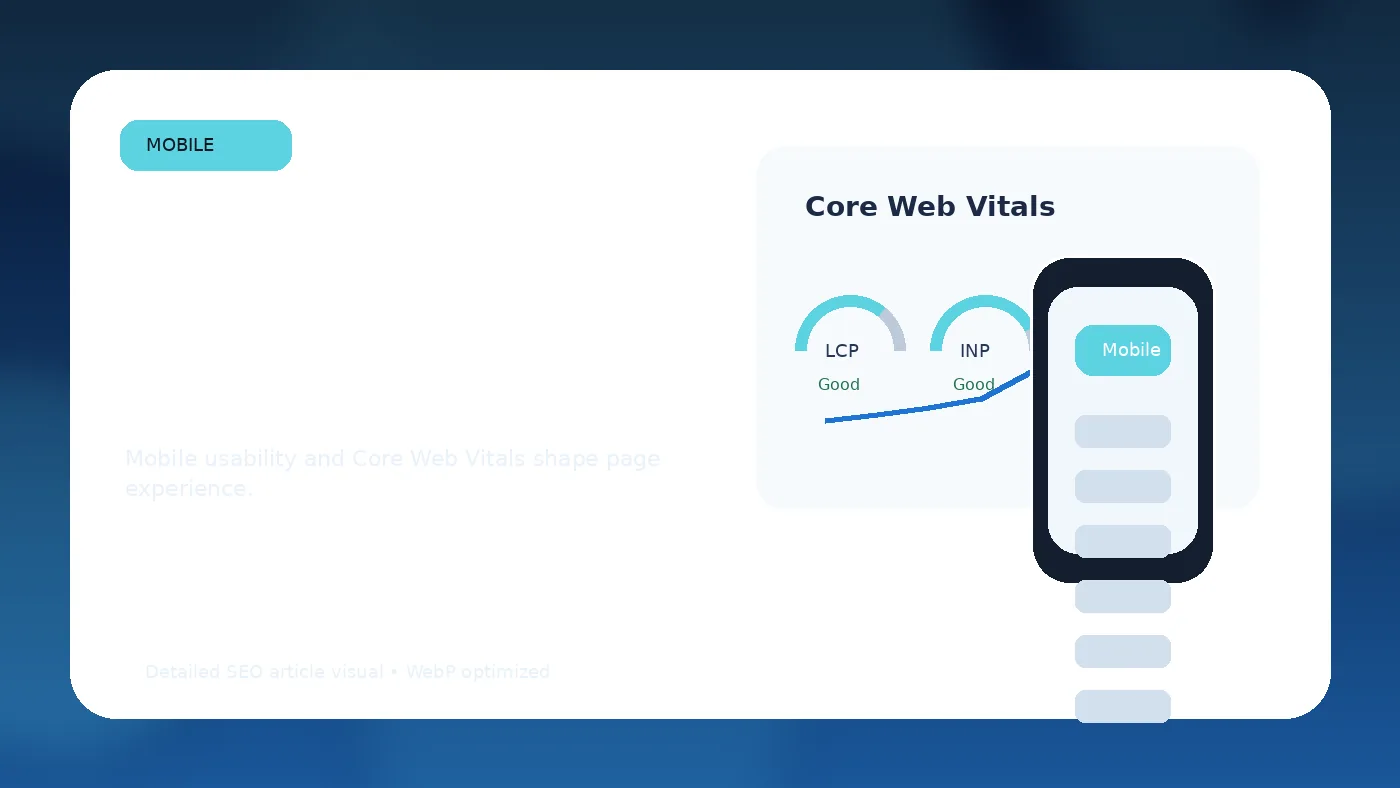
Google primarily uses the mobile version of content for indexing and ranking. Your mobile site must include the same important content, links, metadata, schema, and functionality as desktop.
- Test responsive layouts.
- Ensure buttons and forms are usable.
- Keep text readable without zooming.
- Avoid intrusive pop-ups.
- Make navigation simple.
- Compress mobile images.
- Check that structured data appears on mobile.
Structured Data Checklist
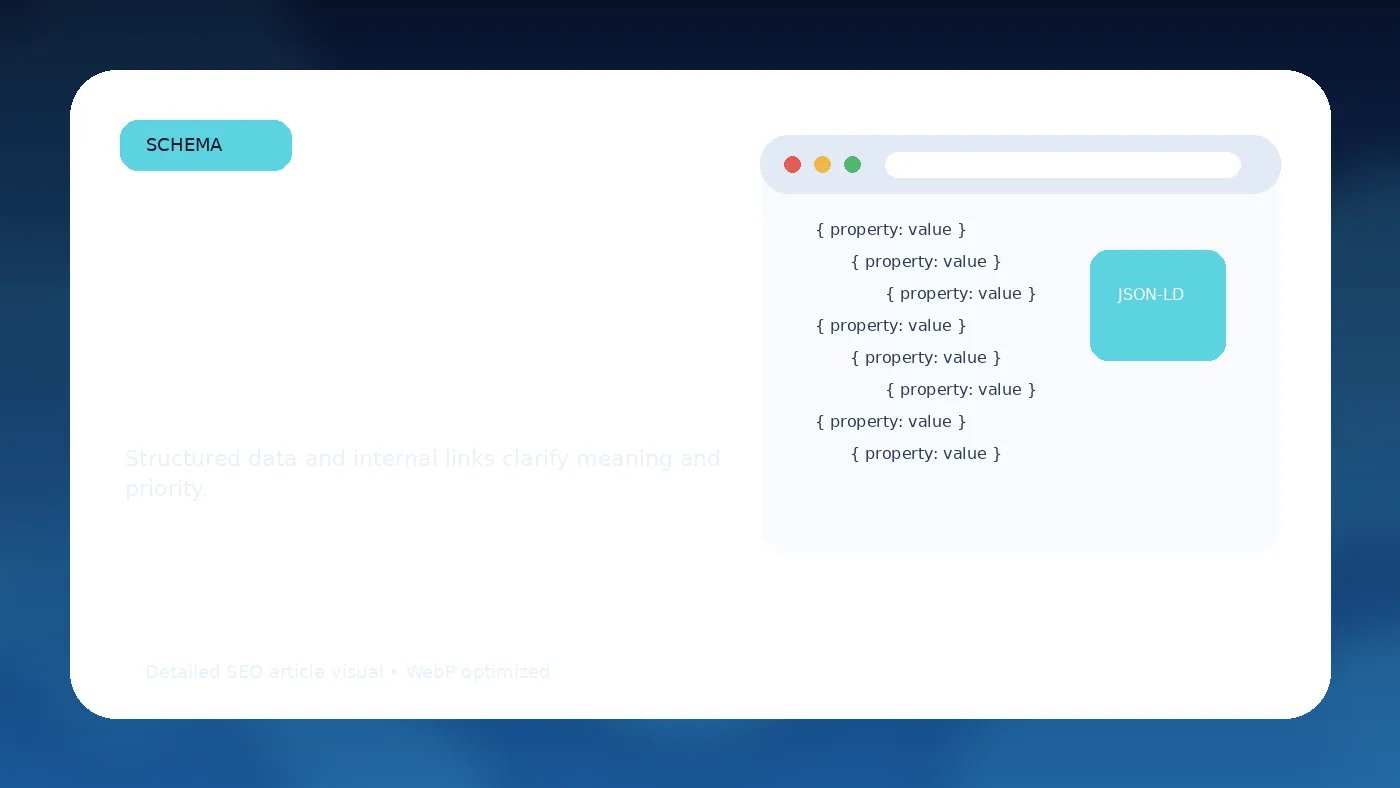
Structured data helps search engines understand page content. Use schema only when it accurately represents visible content.
- Article schema for blog posts and guides.
- FAQPage schema for genuine FAQ sections.
- Product schema for product pages.
- LocalBusiness schema for local businesses.
- BreadcrumbList schema for navigation paths.
- Organization schema for company details.
Validate structured data with supported testing tools and fix warnings that affect eligibility. Do not add misleading schema just to chase rich results.
Redirects, Errors, and Migrations
Website migrations are one of the highest-risk technical SEO events. URL changes, redesigns, CMS moves, and domain changes can damage rankings if redirects and internal links are not handled carefully.
Migration checklist
- Map old URLs to new URLs.
- Use 301 redirects for permanent moves.
- Update internal links to final URLs.
- Submit updated sitemaps.
- Monitor 404s and crawl errors.
- Compare traffic before and after launch.
- Keep redirect chains short.
Reporting and Monitoring
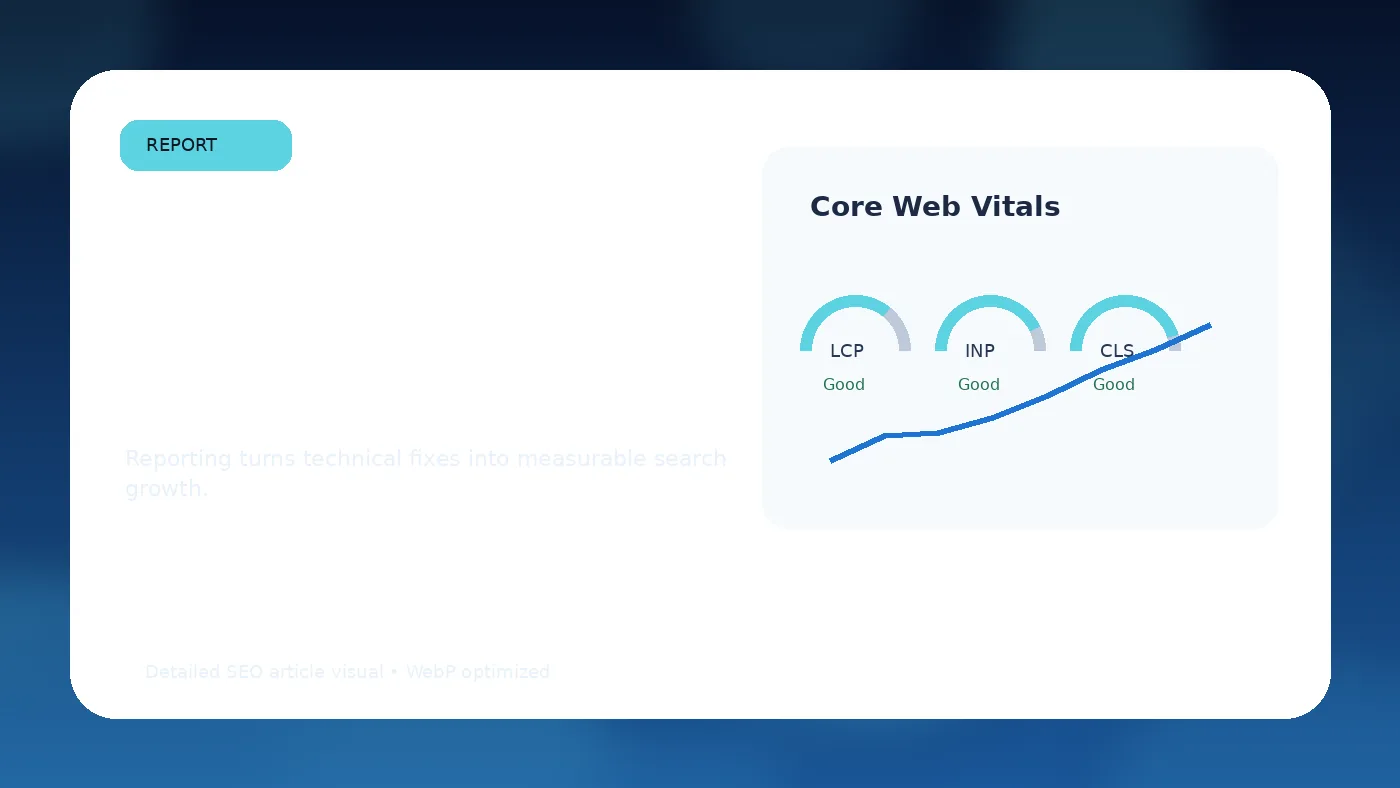
Technical SEO is not a one-time task. Websites change constantly. New pages, plugins, scripts, redirects, and design updates can create technical issues. Monitoring prevents small errors from becoming ranking problems.
| Area | Tool | What to Monitor |
|---|---|---|
| Indexing | Google Search Console | Indexed pages, exclusions, canonical issues |
| Crawling | Site crawler | Broken links, redirects, orphan pages |
| Speed | PageSpeed Insights | Core Web Vitals and performance issues |
| Logs | Server logs | Crawler behavior and error frequency |
| Schema | Rich Results tools | Eligibility and markup errors |
Prioritization Framework
Not every technical issue has the same impact. Prioritize fixes based on page importance, severity, and effort. A noindex tag on a revenue page is urgent. A minor warning on a low-value archive page may not matter. Technical SEO becomes more effective when teams separate critical blockers from nice-to-have improvements.
Use four categories: critical, high, medium, and low. Critical issues prevent indexing or access. High issues affect important templates or many pages. Medium issues affect smaller sections. Low issues are improvements that may help but are not urgent.
Technical SEO for WordPress
WordPress sites often need special attention because themes, plugins, page builders, and media libraries can create technical bloat. Use reliable caching, compress images, limit unnecessary plugins, review sitemap settings, and make sure SEO plugins are configured correctly.
Common WordPress issues include duplicate tag pages, thin author archives, slow scripts, unoptimized images, multiple H1 tags from theme templates, poor mobile layouts, and conflicting canonical settings. These are fixable, but they require regular review.
Technical SEO for eCommerce
eCommerce sites face unique technical challenges: faceted navigation, product variants, out-of-stock pages, pagination, duplicate descriptions, large image libraries, and crawl budget concerns. Category pages should be crawlable and useful. Filtered URLs should be controlled. Product schema should be accurate.
When products expire, decide whether to keep, redirect, or remove the page based on demand, backlinks, and replacement options. Poor handling of discontinued products can create many dead ends.
Advanced Technical SEO Considerations
Larger websites may need log file analysis, JavaScript rendering review, hreflang checks, international URL strategy, edge caching, CDN tuning, and automated quality monitoring. These advanced areas are not necessary for every small website, but they matter when scale increases.
International websites should pay careful attention to hreflang, currency, language targeting, regional URLs, and duplicate translated content. A small hreflang error can affect many pages.
Featured Snippet Answer
A technical SEO checklist includes crawlability, indexability, site architecture, internal linking, page speed, Core Web Vitals, mobile usability, structured data, redirects, canonical tags, XML sitemaps, security, and ongoing monitoring.
Key Takeaways
- Technical SEO makes pages eligible and easier to evaluate.
- Crawlability and indexability come before content optimization.
- Core Web Vitals and mobile usability support page experience.
- Structured data helps clarify meaning when used accurately.
- Technical SEO should be monitored continuously.
FAQs About Technical SEO
Is technical SEO more important than content?
Both matter. Technical SEO helps content become accessible and understandable, while content satisfies the user’s search intent.
How often should I run a technical SEO audit?
Small websites should review technical health quarterly. Larger or frequently updated websites may need monthly or continuous monitoring.
Can technical SEO improve rankings quickly?
Yes, if the issue is a major blocker such as noindex tags, crawl errors, slow templates, or broken internal links.
Do I need a developer for technical SEO?
Some tasks require a developer, but many audits can be performed by SEO specialists, marketers, or trained site owners.
What is the most common technical SEO mistake?
Accidental indexing problems, poor internal linking, slow pages, and incorrect canonical tags are among the most common issues.
Internal Linking Suggestions
- SEO audit service page
- Core Web Vitals guide
- Internal linking strategy article
- WordPress SEO best practices
- Website migration checklist
External Authority References
- Google Crawling and Indexing Documentation
- Google Core Web Vitals
- Google Structured Data Documentation
- Google Search Console
Implementation Notes for Teams
Technical SEO improvements often require cooperation between SEO specialists, developers, designers, content editors, and analytics teams. A checklist is useful, but execution depends on ownership. Assign every issue to a responsible person and define the expected outcome before work begins.
For example, “improve speed” is too vague. A better task is “compress homepage hero images below 250 KB, preload the main hero image, remove unused scripts, and retest LCP.” Clear tasks create better implementation and easier review.
Create a technical SEO backlog with severity, affected URLs, expected impact, development effort, and status. This keeps the team from treating every warning as equally urgent. Critical issues should be fixed first, especially if they affect indexability, important templates, or revenue pages.
How to Present Technical SEO to Leadership
Leadership teams do not always need every technical detail. They need to understand business impact. Translate technical issues into outcomes: lost visibility, slower pages, crawl waste, poor mobile experience, reduced conversions, or risk during migration.
Use before-and-after reporting. Show indexed pages, organic traffic, Core Web Vitals status, crawl errors, and conversion changes. This makes technical SEO easier to justify as a growth investment rather than a technical maintenance task.
Advanced Crawl Budget and Large-Site Considerations
Small websites rarely need to worry deeply about crawl budget, but larger websites do. Crawl budget refers to how much time and attention search engine crawlers spend on a site. If a site contains thousands of low-value URLs, duplicate filters, endless parameter combinations, or broken pages, crawlers may spend too much time in areas that do not matter.
For large websites, crawl efficiency is a technical SEO priority. Important pages should be easy to discover. Low-value pages should not consume unnecessary crawl activity. Faceted navigation, internal search results, paginated archives, calendar pages, and tracking parameters should be reviewed carefully. The goal is not to hide everything from crawlers, but to make sure search engines spend more time on pages that deserve to rank.
Server log analysis can help advanced teams understand crawler behavior. Logs show which URLs search engines request, how often they visit, which status codes they encounter, and whether important pages receive enough attention. This is especially useful for publishers, eCommerce websites, marketplaces, SaaS documentation sites, and large local directories.
JavaScript SEO Checklist
Modern websites often rely on JavaScript frameworks. JavaScript can create strong user experiences, but it can also create search visibility problems when important content or links are not available in the rendered page. Search engines can process JavaScript, but rendering may require additional resources and may not always behave as expected.
Review whether important text, headings, product details, links, pagination, navigation, and structured data are visible in the rendered HTML. Use testing tools to compare raw HTML with rendered HTML. If critical content is missing before rendering, discuss server-side rendering, static rendering, hydration improvements, or framework-specific SEO best practices with developers.
Pay attention to internal links. If links are generated only through JavaScript events and not standard anchor tags, crawlers may not follow them reliably. Navigation should be accessible, semantic, and usable without unnecessary complexity.
International Technical SEO Checklist
Websites serving multiple languages or countries need extra care. International SEO mistakes can cause the wrong regional page to rank, duplicate versions to compete, or users to land on pages that do not match their language or location.
Use hreflang annotations when you have equivalent pages for different languages or regions. Hreflang should be reciprocal, accurate, and consistent across pages. Avoid pointing hreflang to redirected, canonicalized, or non-indexable URLs. Each language or regional page should have a self-referencing canonical unless there is a strong reason otherwise.
International URL structure also matters. Subdirectories, subdomains, and country-code domains can all work, but they should be used consistently. Currency, shipping details, address formats, and legal information should match the target market where relevant.
Security, HTTPS, and Trust Infrastructure
HTTPS is now expected for professional websites. A secure website protects users and supports trust. Technical SEO audits should check for mixed content, expired SSL certificates, insecure resources, and redirects from HTTP to HTTPS. All internal links should point directly to HTTPS versions rather than relying on redirects.
Security also includes keeping CMS software, plugins, themes, and server environments updated. A compromised site can lose trust quickly. Malware warnings, spam pages, injected links, or hacked content can damage search visibility and user confidence.
For WordPress sites, remove unused plugins, update themes, use reputable security tools, and avoid installing unknown scripts. Technical SEO and security are not identical, but they overlap whenever technical weaknesses affect user trust or crawler access.
Image, Video, and Media Technical SEO
Media files often create performance problems. Large images, uncompressed videos, lazy loading mistakes, and missing dimensions can slow pages and harm visual stability. Compress images, use modern formats such as WebP where appropriate, set width and height attributes, and serve responsive image sizes.
Alt text should describe the image when it contributes meaning. It should not be stuffed with keywords. For videos, provide useful titles, descriptions, transcripts, and structured data when appropriate. Avoid embedding heavy video players above the fold if they slow the main content.
Lazy loading can help performance, but it should be implemented carefully. Do not lazy-load critical above-the-fold images in a way that delays the Largest Contentful Paint element. Test performance after changes rather than assuming every optimization improves results.
Technical SEO Quality Assurance Before Launch
Every major website update should go through a technical SEO QA process before launch. This includes redesigns, CMS changes, domain moves, new templates, plugin updates, navigation changes, and major content migrations.
A launch QA checklist should include crawl tests, mobile rendering checks, metadata review, structured data validation, redirect testing, sitemap review, robots.txt review, analytics tracking, Search Console access, page speed testing, and internal link validation. This process reduces the risk of preventable traffic loss.
After launch, monitor the website closely for at least two to four weeks. Look for unexpected indexing changes, traffic drops, server errors, broken links, and ranking changes. Fast detection makes recovery easier.
Technical SEO Workflow for Agencies and In-House Teams
A professional workflow starts with discovery, not assumptions. Crawl the site, review Search Console, inspect analytics, test page speed, examine templates, and interview stakeholders. Then group findings into themes: access, indexability, performance, architecture, schema, migration risk, and monitoring.
Turn findings into tickets. Each ticket should include the issue, affected URLs, evidence, recommended fix, priority, and expected impact. Developers should not receive vague SEO complaints. They should receive clear implementation guidance.
After implementation, retest. Technical SEO is not complete when a recommendation is sent. It is complete when the fix is live, validated, and monitored. This is where many campaigns fail. Documentation and follow-through matter.
Technical SEO Checklist by Priority Level
A checklist becomes more useful when it is prioritized. Critical issues are problems that can prevent important pages from ranking at all. These include accidental noindex tags, blocked crawling, broken templates, server errors, incorrect canonical tags, and missing redirects after a migration. These should be fixed before smaller improvements.
High-priority issues affect many pages or important templates. Examples include slow category pages, duplicate title tags across service pages, missing mobile content, broken breadcrumb links, and XML sitemaps filled with redirected URLs. These may not block every ranking, but they weaken the whole website.
Medium-priority issues are improvements that support performance but are less urgent. These include refining schema, improving image compression across older posts, cleaning low-value archive pages, and improving internal links on supporting content. Low-priority tasks may still be useful, but they should not distract from issues that affect revenue pages or indexability.
Conclusion
Technical SEO is the foundation of organic performance. It helps search engines discover, crawl, index, render, and understand your website. Without that foundation, even strong content may underperform.
Use this checklist as a repeatable process. Start with crawlability and indexability, then improve architecture, speed, mobile usability, schema, redirects, and monitoring. The result is a healthier website with stronger search potential.