Nobody rents a storage unit on a whim. They are moving house, downsizing, renovating, starting a small business, or clearing a room for a new arrival — and then they search “storage units near me,” compare two or three facilities on their phone, and call or book the one whose units, prices and security look right. The decision is practical, urgent and local: a customer choosing a facility they trust with everything they own.
This guide covers SEO for self-storage facilities in 2026: how unit-size pages and climate-controlled versus drive-up intent win the searches that matter, how move-in specials and security trust signals turn browsers into reservations, and how service-area pages per town keep units full all year.
1. Start with the map: the move-in decision is made on your profile
The shortlist for a storage facility forms on Google, mostly on a customer’s phone in the evening, in the days when the move is real and the boxes are already packed. Your Google Business Profile is where you make or miss that shortlist:
- Categories: “Self-storage facility” as primary, with “Moving and storage service” added only where you genuinely offer it.
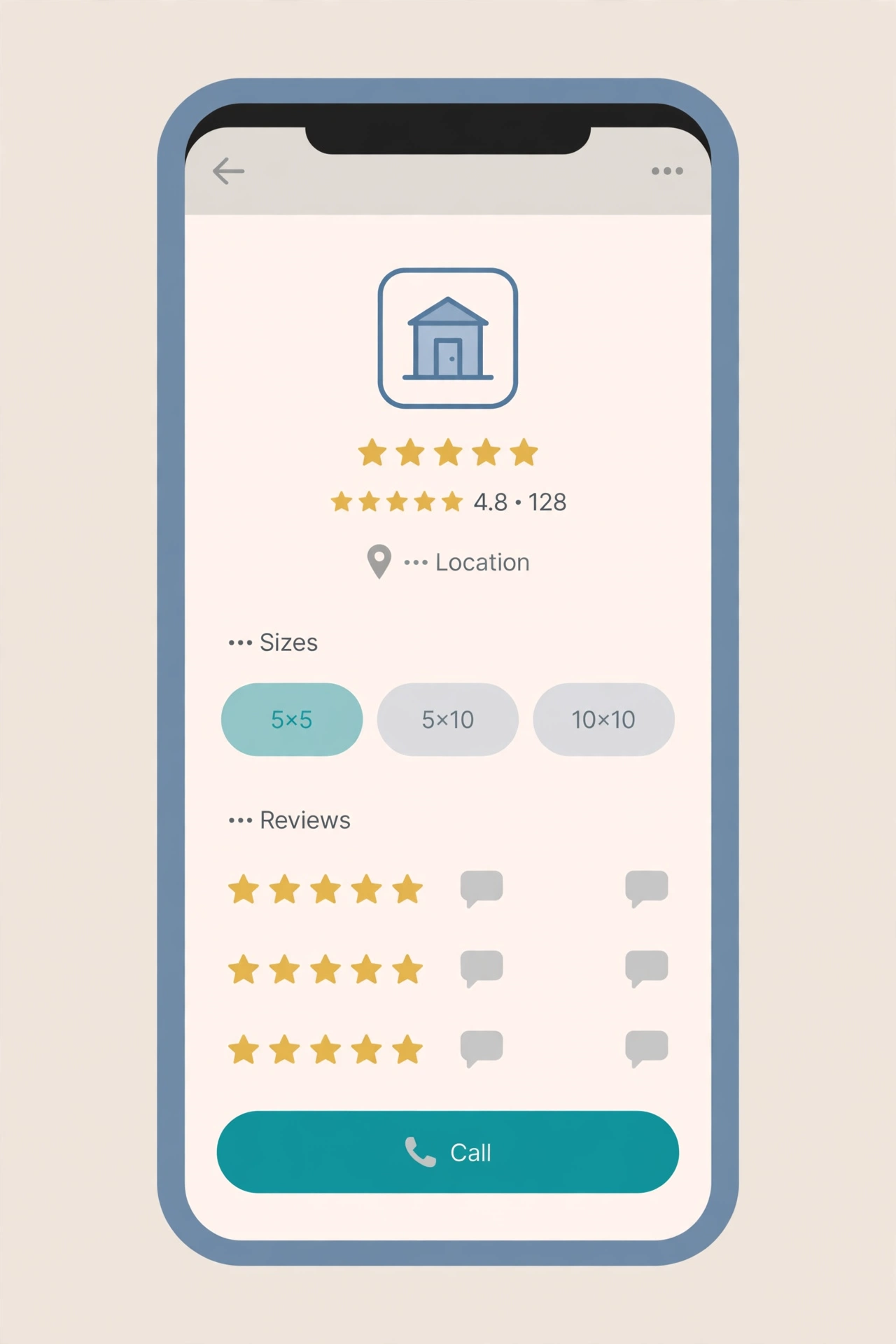
- Unit sizes named the way customers search: 5×5, 5×10, 10×10, 10×15 and 10×20 units listed as distinct services, so you appear for each size search, not only “storage units near me.”
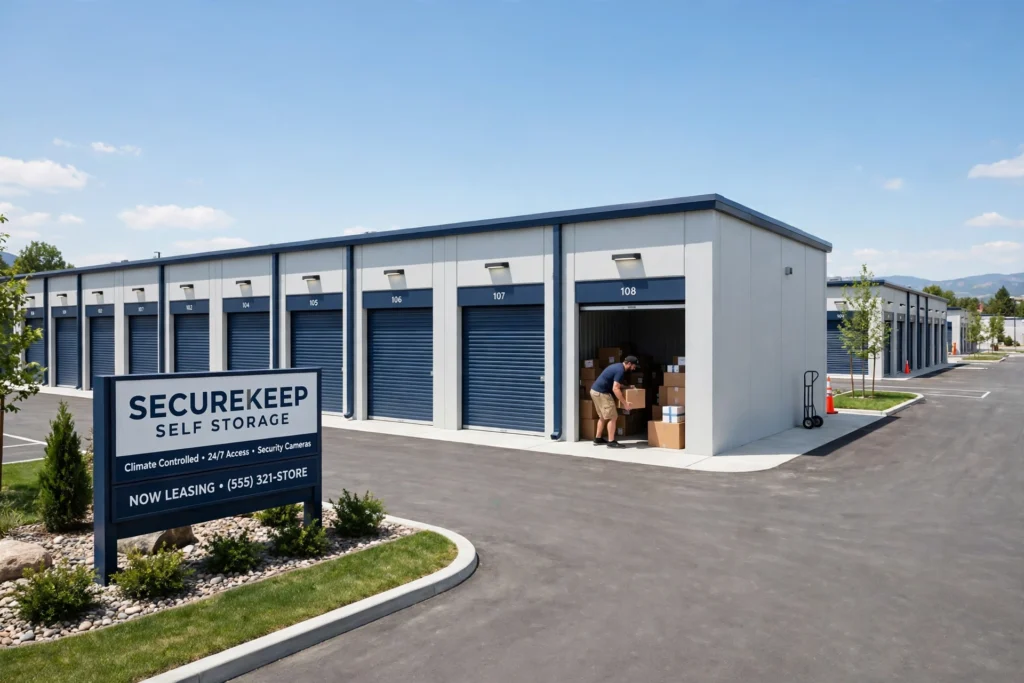
- Photos from the real facility: clean units with the doors open, wide driveways, gated entry, bright lighting and security cameras. Nobody rents a unit from a logo; they rent from a place that looks clean and safe.
- Move-in specials in posts: current offers, new units available, and seasonal availability posted while the demand is live.
- Reserve in one tap: phone and online reservation link current, and the service area stated identically on your profile and your website.
2. Unit-size pages: 5×5, 5×10, 10×10 and 10×20 each earn their own search
A customer choosing a unit size is not browsing — they are measuring. A 5×5, a 5×10, a 10×10 and a 10×20 are four different searches, four different budgets and four different sets of questions, and each deserves its own page:
- 5×5 pages: written to the customer storing boxes, seasonal items and a few pieces of furniture — what fits, how to stack it, and when a 5×5 is enough.
- 5×10 pages: written to the renter clearing a room or storing a one-bedroom flat — the furniture, the boxes and the walking space left over.
- 10×10 pages: written to the family between homes — the contents of a two-bedroom home, appliance storage, and how to leave an access aisle.
- 10×20 pages: written to the business or the full-house move — stock, equipment, vehicles and the loading access that makes a big unit usable.
Each page carries photos of a real unit in that size, a plain “what fits” guide, and the reserve next step. It’s the same page-per-search discipline behind our guide to SEO for home renovation contractors — customers comparing local services reward the company that answers their exact question, for their exact need, first.
Don’t blur the sizes on one page. A renter weighing a 5×10 against a 10×10 wants a straight answer, not a paragraph that mentions both and explains neither. Separate pages let each visitor — and each search — land exactly where they belong.
3. Climate-controlled vs drive-up: two searches, two buyers
Climate-controlled and drive-up units are not two features on one page — they are two different customers with two different worries. The climate-controlled buyer is protecting something: wooden furniture, electronics, documents, photographs, musical instruments, anything that warps, cracks or grows mould when the temperature swings. The drive-up buyer is protecting their time: frequent access, heavy items, a vehicle to load, and no long corridor carry.
Give each its own page. The climate-controlled page explains what the temperature and humidity control actually does, what belongs in it and what does not need it, with photos of the interior corridors and the unit itself. The drive-up page shows the wide driveways, the door clearance and the loading ease, with photos of a vehicle backed up to an open unit. Then publish an honest comparison page — climate-controlled versus drive-up — that answers the exact question most renters type before they ever call a facility.
What this looks like in Brampton
Brampton’s storage demand follows its housing and its small businesses: families moving between detached homes across Springdale, Castlemore, Fletcher’s Meadow, Mount Pleasant and Bramalea, renters clearing space in townhouses and condos, and local businesses storing stock, tools and seasonal inventory close to home. The busiest season is the moving season — spring into summer — when new leases start and renovations begin, and the facilities that are visible and bookable in the weeks before it fills their units first.
Security is the local conversation: gated access, cameras, bright lighting and individual locks, because customers are handing over everything they own. Brampton renters ask neighbours first, and reviews that name the neighbourhood (“stored our furniture in Castlemore while we renovated, clean unit, easy access”) are the deciding evidence for the next family on the street.
4. Service-area pages: win one town at a time
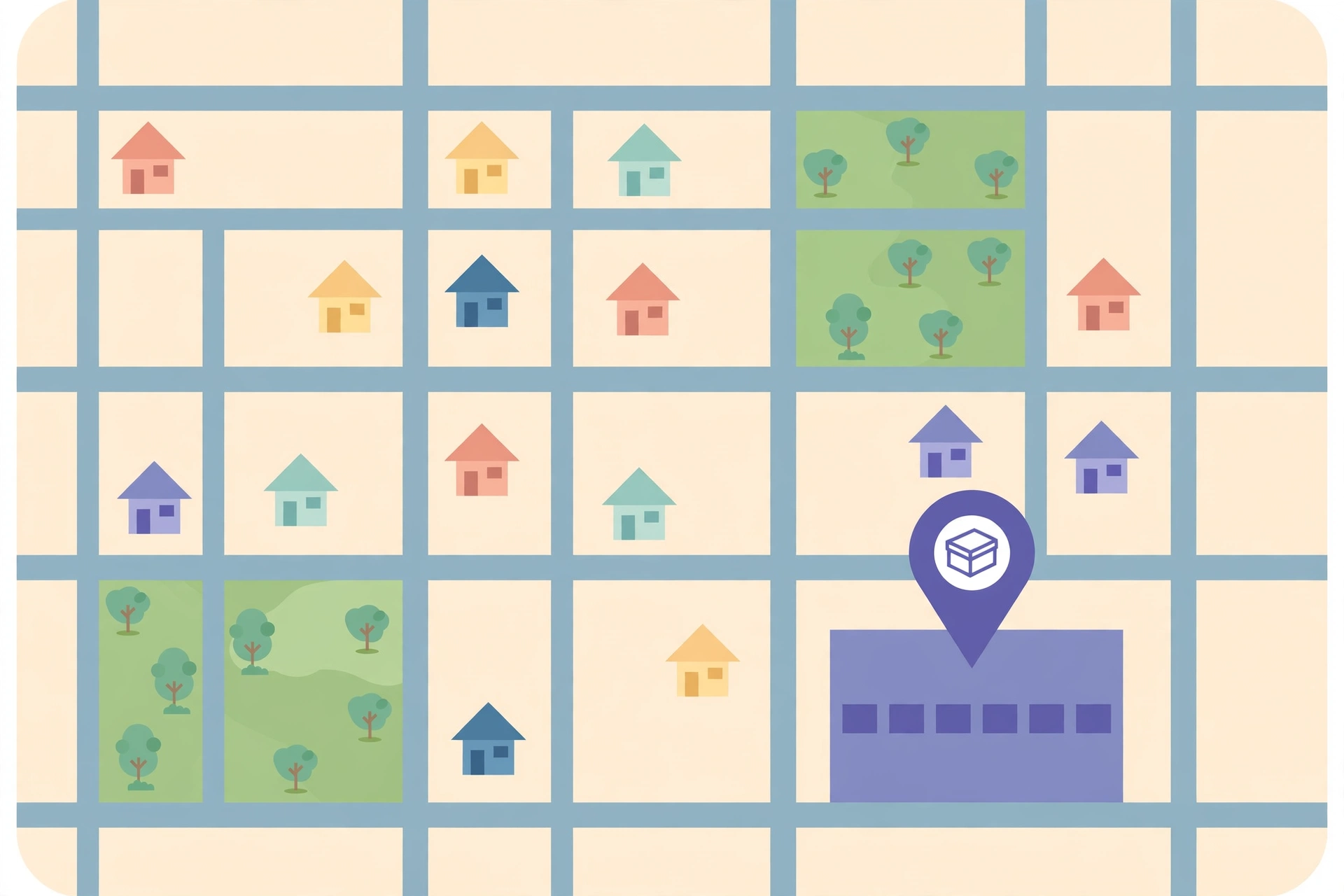
Storage is a local search through and through, and the map is won town by town. A page for each town you genuinely serve — naming the neighbourhoods, the typical homes and businesses there, and the units they rent — ranks for “Brampton storage units” while a single “areas we serve” list ranks for nothing. Keep each page honest and specific: the routes customers take to reach you, the property types nearby, a photo from the real facility. Thin pages copied town to town with only the name swapped do not rank and do not convert; one genuine page per town does both. Link each town page from your main service pages and your profile’s service area, so a visitor — and a search engine — can follow the map from your facility to their street.
5. AI search: the assistant recommending your facility
Customers increasingly start with an AI tool: “best storage units near me,” “what size storage unit do I need,” “climate controlled vs regular storage,” “cheapest storage near me,” “is my stuff safe in storage.” The answers are assembled from complete, consistent content — unit-size pages with honest “what fits” guidance, your service area stated the same everywhere, and reviews that mention the town and the unit size. Facilities with real pages get summarised accurately and recommended by neighbourhood; facilities with a one-page site leave the assistant nothing accurate to say, and it says something about a competitor instead.
6. Your website: built to book the unit
A storage facility’s website has one job — move a visitor from comparing to a reserved unit:
- Reserve in one tap: phone number and online reservation visible on every page, working on a phone in under a minute, with the questions answered on the spot (unit size, move-in date, climate control or drive-up).
- Pricing without fog: monthly rates by unit size, or at minimum how rates work and what is included. Vague pricing is the leading cause of abandoned reservations and haggling at the gate.
- Unit photos on every size page: the proof beside the pitch, not buried on a separate page nobody visits.
- Size guidance up front: a simple size guide or “what fits” tool, because the most common reason a reservation stalls is a customer who cannot tell a 5×10 from a 10×10.
7. Move-in specials and security trust signals: the proof that closes
A storage rental is a monthly commitment, and the customer choosing between two facilities picks the one that removes the doubt. State your move-in specials plainly — what the offer is, who qualifies, and how long it lasts — before the customer has to ask. Show the security in plain language and real photos: gated access, cameras, individual locks, bright lighting, and whether staff are on site. Publish a short page on how access works — gate hours, entry codes, and what happens if a customer forgets one — and let the reservation form ask for the details that matter: unit size, move-in date, and what is being stored. A reservation request that arrives complete gets answered faster — and answered first.
8. What to measure so you know it’s working
Measure reservations per unit size and per town: reservation requests from each size page, your visibility for “storage units near me” and “Brampton storage units,” and the split between climate-controlled and drive-up enquiries. Track which pages bring the rentals that actually stay — a 10×20 rented to a business that stays for a year is worth more than a dozen one-month rentals that churn. Occupancy is the metric underneath all of it: SEO that fills units with customers whose neighbours then call shows up next quarter as full corridors, not a full inbox.
Seasonality is the other quiet signal. Note which weeks the moving-season surge actually starts in each town — then publish next year’s spring content two weeks earlier, and let your pages and reviews speak to those towns by name.
9. Mistakes that quietly cost storage facilities the occupancy
The recurring ones: one generic “storage units” page for every size, so size searches land nowhere. No photos of real units, so the pitch is words against a competitor’s clean, well-lit facility. Climate-controlled and drive-up blurred together, so neither buyer finds their answer. Service areas listed as a paragraph instead of real pages per town. Prices hidden or vague, breeding abandoned reservations. Security never shown, so the customer imagines the worst and rents elsewhere. And silence between moving seasons — no new photos, reviews or posts — so each spring starts from zero against facilities that never stopped.
Frequently Asked Questions (FAQ)
How do self-storage facilities rank for “storage units near me”?
With a complete Google Business Profile — unit sizes listed separately, real facility photos and steady reviews — backed by a dedicated page for each unit size and each town served, each with clear rates and a one-tap reservation path.
Should each unit size have its own page?
Yes. Renters search by size before they compare facilities, and each size has different questions, costs and “what fits” answers. Separate pages rank for each size search and convert far better than one combined storage units page.
Do move-in specials help SEO?
They help everywhere it counts: they raise click-through from your profile and pages, they convert hesitant visitors who need a reason to book now, and they give you a genuine reason to post fresh content each season. State the offer plainly, with its terms, so the special builds trust instead of suspicion.
How important are security features on a storage website?
They are often the deciding factor. Customers hand over everything they own, so gated access, cameras, lighting and individual locks shown in real photos and plain language close reservations that a bare price list cannot. A short page explaining how access works answers the worry before the customer has to ask.
When should a storage facility publish seasonal content?
Before the rush: moving-season pages and profile posts live in late winter, while searches are still building. Visibility takes weeks to grow; publishing in May, when the moving season is already peaking, misses the first wave of renters.
Get a free SEO audit of your website
A 120 point crawl, a competitor gap map and a 90 day roadmap, ready in 48 hours. Free, with no obligation.

SEOelinks is a Brampton-based SEO agency helping service businesses across Canada and worldwide win organic search. Our strategists publish the same field-tested playbooks on technical SEO, local visibility and AI search that we run for clients every day.
More about SEOelinks →