Open TikTok, Instagram or YouTube and watch how people actually use them. They don’t just scroll anymore — they search. “Best brunch near me,” “how to fix a leaking tap,” “balayage ideas short hair,” “gift ideas for dad.” The search bar inside social apps has quietly become a product catalogue, a review site, a how-to library and a local business directory rolled into one.
That’s social search, and in 2026 it’s a channel local businesses can no longer treat as a branding extra. This guide explains how social search works, how it differs from Google SEO, and the practical workflow for making your business the answer when customers search inside the apps they already live in.
1. The social platforms are search engines now
Every major platform has rebuilt itself around search:
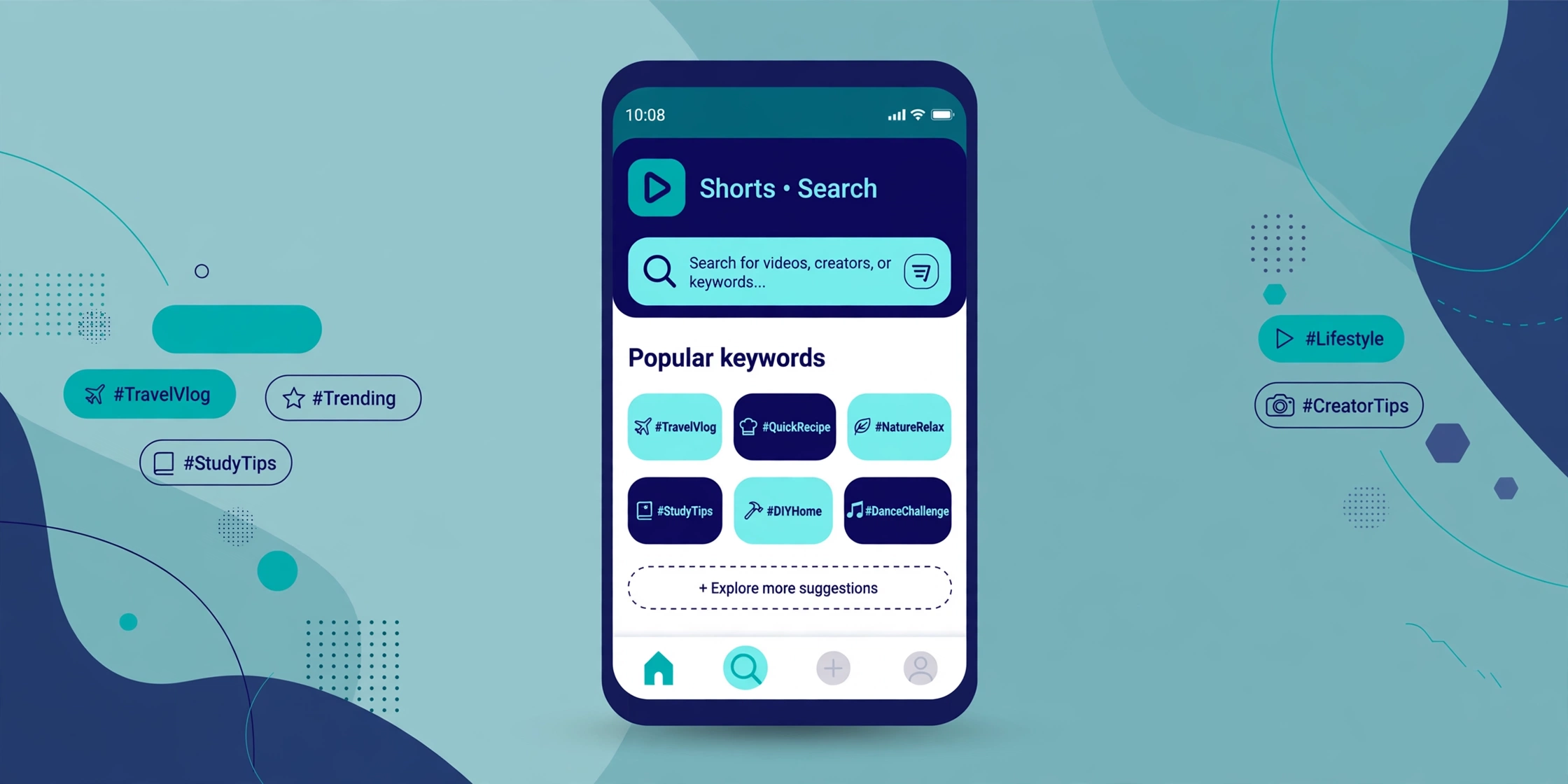
- TikTok behaves like a visual answer engine. Users search for restaurants, services, tutorials and product reviews, and TikTok returns ranked videos — plus, increasingly, local results with maps and business details.
- Instagram search now goes far beyond usernames and hashtags. Captions, on-screen text, audio and location all feed results, and the Explore and map surfaces surface businesses by what they offer, not just what they’re called.
- YouTube has been the world’s second-biggest search habit for years: “how to,” reviews, comparisons and local guides. Shorts now compete for the same quick-answer searches as TikTok.
- Pinterest is a planning search engine — users search with purchase or project intent (“small kitchen remodel ideas,” “fall wedding centrepieces”) and save what they’ll act on later.
The behaviour shift that matters for businesses: a growing share of discovery searches — especially for food, beauty, fitness, home services, events and shopping — start inside a social app instead of on Google, because searchers want to see the answer, watch a real person, and read real reactions in the comments. If your business only exists on Google, you’re invisible for that entire class of search.
2. How social search differs from Google SEO
Social search runs on the same basic deal as Google — match intent, reward quality, keep people satisfied — but the ranking mechanics are different in ways that change the tactics:
- Freshness weighs more. Social results favour recent content far more heavily than Google does. A strong video from last week can outrank a better one from last year. Consistency beats archives.
- Watch behaviour is the ranking signal. On Google, clicks and dwell time matter; on TikTok, Instagram and YouTube, it’s watch time, completion rate, rewatches, saves and shares. A video people watch to the end and save will outrank a keyword-perfect video people swipe past.
- The “page” is the post — and the profile. There’s no website to optimize. Your ranking units are individual posts, and your profile (name field, bio, category, location) acts as the homepage that searchers land on.
- Everything is indexable text. Platforms read captions, subtitles and auto-captions, on-screen text, spoken words (via transcription), hashtags, location tags and alt text. What you say and show in the first seconds is metadata.
- Personalization is stronger. Social search results lean heavily on each user’s history and location. Two people searching the same term in the same city can see different results — which makes local signals and audience match more important, not less.
The mindset shift: Google SEO optimizes pages for queries. Social SEO optimizes posts for queries and for the watch behaviour that proves the post deserved to rank.
3. Keyword research inside the apps
Forget starting in a traditional keyword tool. For social search, the apps themselves are the keyword tool — they autocomplete what real users are typing.
Use autocomplete as your research panel
Type your core term into each platform’s search bar and record the suggested completions: “dentist near me” might expand into “dentist near me for braces,” “dentist near me accepting new patients,” “dentist near me cheap cleaning.” Each suggestion is a real, recurring search with proven demand — and a ready-made content topic. Do this per platform; TikTok, Instagram and YouTube suggest differently because their audiences search differently.
Mine the “others searched for” panels
After you search a term, TikTok and YouTube show related-search panels (“Others searched for,” “Searches related to…”). These are the platform telling you the topic cluster. Build content that covers the cluster, not just the head term — one video per related query beats one video trying to cover all of them.
Check what’s already ranking
Search your target term and study the top results: How long are they? What’s the hook in the first two seconds? What words appear in the captions and on screen? Which comments repeat? The comments are a goldmine — unanswered questions in top-ranking videos are your next ten topics, with demand already proven.
Keep a living keyword sheet
Track term, platform, top-result format and date checked in a simple spreadsheet. Social queries shift with seasons and trends much faster than Google queries do, so revisit the sheet monthly rather than treating research as a one-time task.
4. Captions, hashtags and on-screen text: your ranking content
If keywords are the strategy, these three elements are the execution — they’re the text the platform actually ranks.
Captions are your page copy
Write captions the way you’d write a short web page: the primary keyword phrase in the first line, written for a human first (“Best time to visit the dentist for a cleaning in Brampton” reads naturally and carries the query). Then 2–4 supporting lines that add real information — price factors, what to expect, who it’s for. Keyword-stuffed captions read badly and perform badly; natural captions that genuinely answer the query are what the algorithm can confidently rank.
On-screen text and spoken words count
Put the search phrase on screen in the first 1–2 seconds (“POV: you found a plumber who actually shows up on time” won’t rank — “Emergency plumber in Brampton — what a same-day visit looks like” will). Say the phrase out loud too: platforms transcribe audio, and spoken keywords reinforce the match. Burn in accurate subtitles — they help ranking, accessibility, and the large share of viewers who watch muted.
Hashtags: fewer, sharper
Hashtags now work more like category labels than ranking fuel. Use 3–5 that precisely describe the topic, niche and location (#BramptonEats, #TorontoRealtor, #NaturalHairCare) rather than 30 generic ones. One branded tag for your own series helps searchers binge your content once they’ve found you.
Profile and pinning basics
- Put your service + city in your profile name field (“Glow Studio | Brampton Skin Care”) — it’s searchable text, not decoration.
- Pin your three best search-performing posts to the top of your profile; new searchers land there first.
- Use location tags on every local post — they feed the map and “near me” surfaces.
5. How social discovery feeds your Google brand searches
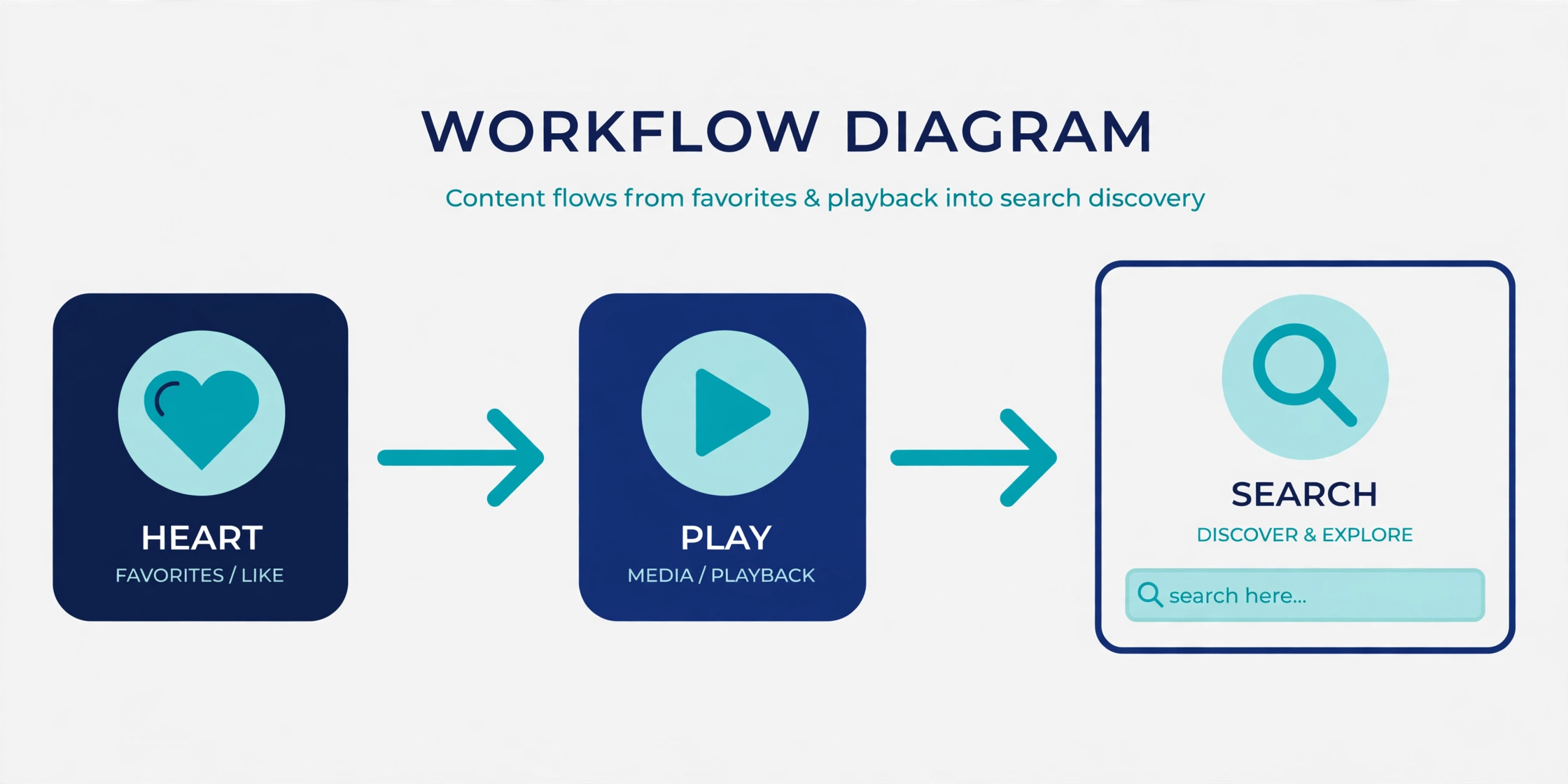
Social search doesn’t replace Google — it feeds it. The loop works like this: someone discovers your bakery in a TikTok search, doesn’t buy that day, then a week later Googles your business name to check hours and reviews. That branded search is high-intent gold, and it’s created by social.
Three practical consequences:
- Your Google presence has to close the sale social starts. Branded searchers land on your Google Business Profile and website. If those are thin, outdated or review-poor, the social discovery leaks away. Keep hours, photos and reviews current so the handoff converts.
- Branded search volume is a social KPI. A rising number of people Googling your business name (visible in Google Search Console) is one of the clearest signs your social content is working — even when social apps report modest view counts.
- Names must match everywhere. If your TikTok handle, Instagram name, Google listing and signage all say the same business name, the discovery-to-search loop is frictionless. Inconsistent names break it.
6. A practical workflow for local businesses
You don’t need a content team. You need a repeatable weekly loop:
- Research (30 minutes, monthly): run your 3–5 core service terms through autocomplete on TikTok, Instagram and YouTube. Build a list of 12–15 real queries.
- Batch-film (1 session, weekly or biweekly): shoot short vertical videos answering those queries one by one — hook with the query phrase on screen and spoken, one clear answer, one location cue. A phone, daylight and a quiet room beat a production budget.
- Publish with search discipline: keyword-first caption, 3–5 precise hashtags, location tag, accurate subtitles, posted natively to each platform (formats and captions tuned per app, not blind cross-posts).
- Reply like a business, not a broadcaster: answer every question comment with useful detail — comments are engagement signals, future search content, and often the actual sale.
- Close the loop: make sure the Google Business Profile, reviews and booking path you’d want a branded searcher to find are polished before you scale posting.
Seasonal note: social queries spike around events and seasons (patio season, back-to-school, holiday gift guides). Re-run autocomplete before each season and rebuild the query list — last spring’s topics aren’t this spring’s searches.
7. Measuring social search
Views alone will mislead you. Measure what search behaviour actually produces:
- Search-sourced views: TikTok and YouTube analytics show how much traffic comes from search versus the feed. A growing search share means your SEO is compounding — feed views spike and vanish; search views accumulate.
- Saves and shares per post: these are the strongest satisfaction signals you control, and the posts earning them are your templates for future topics.
- Profile actions: direction requests, calls, link taps and follows from search-driven posts — the closest thing social has to a conversion report.
- Branded search trend: Google Search Console queries containing your business name, month over month. Social discovery that works shows up here.
- Assisted enquiries: ask new customers “how did you hear about us?” and log it. For local businesses, “I saw you on TikTok/Instagram” is now a routine answer — and it’s the attribution the platforms won’t give you directly.
Review monthly, double down on the query clusters that produced actions (not just views), and retire topics that earned neither.
Frequently Asked Questions (FAQ)
What is social search SEO?
It’s optimizing your social content — profiles, captions, on-screen text, hashtags and videos — so your business appears when people search inside TikTok, Instagram, YouTube and Pinterest, the same way website SEO gets you found on Google.
Which platform matters most for social search?
The one your customers search on. Restaurants, beauty and fitness tend to live on TikTok and Instagram; how-to and considered purchases lean YouTube; planning and shopping intent is strongest on Pinterest. Most local businesses should start with one platform, nail the workflow, then expand.
Do hashtags help you rank in social search?
A little, as category labels — 3–5 precise topic and location tags help the platform classify your post. But keywords in your caption, on-screen text and spoken words carry far more ranking weight than long hashtag blocks.
How long does social search take to work?
Individual posts can rank within days if they earn strong watch behaviour, but a reliable flow of search traffic usually builds over 2–3 months of consistent, query-led posting. Search-sourced views compound: older optimized posts keep getting found.
Does social media help my Google rankings?
Indirectly. Social posts themselves aren’t a Google ranking factor, but social discovery drives branded Google searches, profile visits and review activity — and those do move local business. Treat the two as one funnel, not separate channels.

SEOelinks is a Brampton-based SEO agency helping service businesses across Canada and worldwide win organic search. Our strategists publish the same field-tested playbooks on technical SEO, local visibility and AI search that we run for clients every day.
More about SEOelinks →