Google Business Profile posts are the most underused free feature in local marketing. Most businesses fall into one of two camps: they have never published a single post, or they post the way they post on Facebook and wonder why nothing happens. Used properly, GBP posts are not a ranking trick — they are the layer that turns profile views into calls, direction requests and bookings.
This guide covers GBP posts the way they actually work in 2026: the three post types, how often to publish, the image specs that survive Google’s crops, keyword use without stuffing, UTM tracking that proves the posts earn their keep, and the mistakes that quietly waste the effort.
1. What GBP posts actually do (and don’t do)
Let’s set expectations first, because most disappointment with GBP posts comes from expecting the wrong thing. Your rankings in the map pack are driven mainly by your primary category, your services, your reviews, your photos and the relevance and prominence signals Google builds from your whole presence. Posts sit on top of that foundation. They appear on your profile in Search and Maps, right where a searcher is deciding between you and the two businesses listed beside you.
That makes posts a conversion tool. Picture three plumbers in the local pack, all with similar ratings. One profile shows a current offer, a photo of a real finished job and a “Call now” button. The other two show nothing newer than their opening announcement. The first profile wins the tap — not because the post outranked anyone, but because it gave the searcher a reason to act now instead of scrolling on.
Posts also keep a profile from looking abandoned — a business whose newest post is an expired offer from two years ago is telling every searcher “we may not even be open anymore.” Measure posts like a shop-window display: not by how many people walked past, but by how many came in.
2. The three post types, used properly
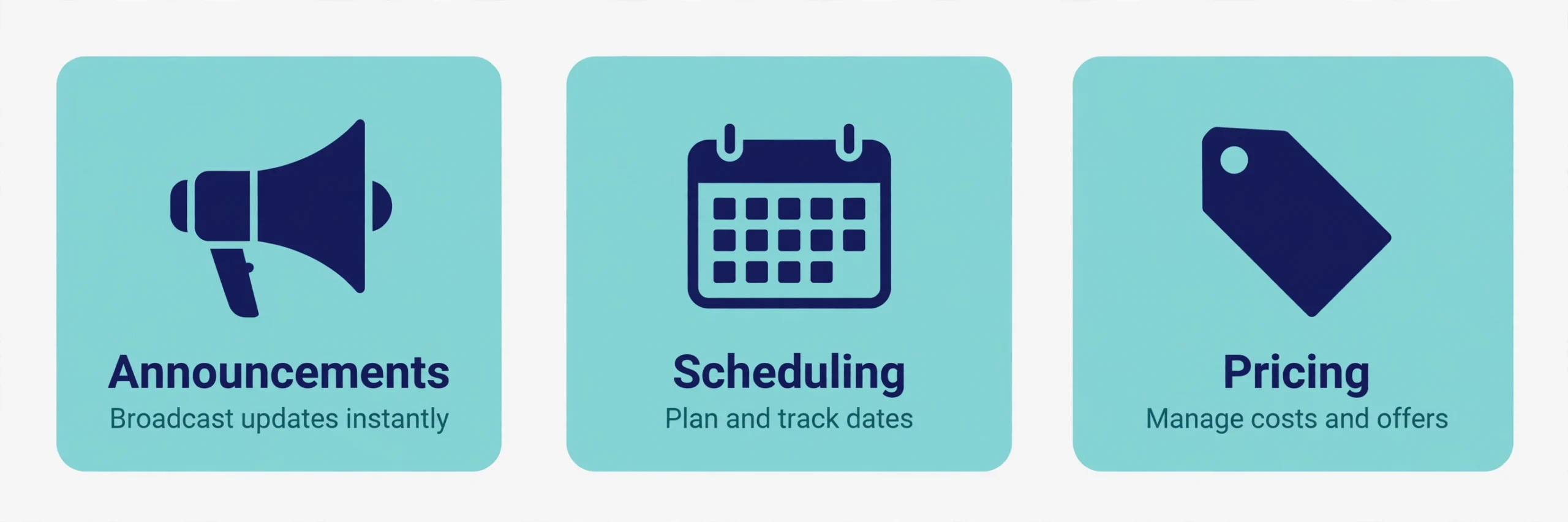
Google gives you three post types. Each has a job, and using the wrong one (or using only one) is where most profiles go flat.
What’s New
The workhorse. Announcements, a new service, a new team member, a finished job you’re proud of, a blog article worth reading, a milestone worth sharing. If it doesn’t have a hard date or a defined deal, it’s a What’s New post.
Two things matter here. First, freshness: engagement with What’s New posts is strongest in the first days after publishing, so a rolling weekly rhythm beats saving everything up for one monthly dump. Second, brevity: Google’s own guidance has long suggested keeping posts concise — think roughly 150–300 words, one idea per post, one clear call to action. A What’s New post is a notice on the board, not a newsletter.
Events
Anything with a date attached: an open house, a workshop, a registration window, a seasonal clinic, a holiday event. Events require a title plus a start and end date and time, and they display across that window — which makes them the most underused and often the hardest-working post type for appointment-based businesses. A “Free back-to-school assessment week” event with a Book button that deep-links to your booking page will outperform a generic announcement every time.
Set events up ahead of time, not the morning of. And when the event ends, the post retires itself — no stale cleanup required.
Offers
A defined deal with a start and end date: a percentage off, a bundle, a free consultation. Offers let you add a coupon code, a redemption link and terms and conditions, which makes them feel concrete in a way a What’s New announcement doesn’t.
The discipline with offers is honesty and hygiene. The deal must be real, current and honoured at the till — an expired offer left on a profile quietly destroys trust. When you create an offer, calendar its end date and the cleanup the same day.
3. Cadence: how often is enough?
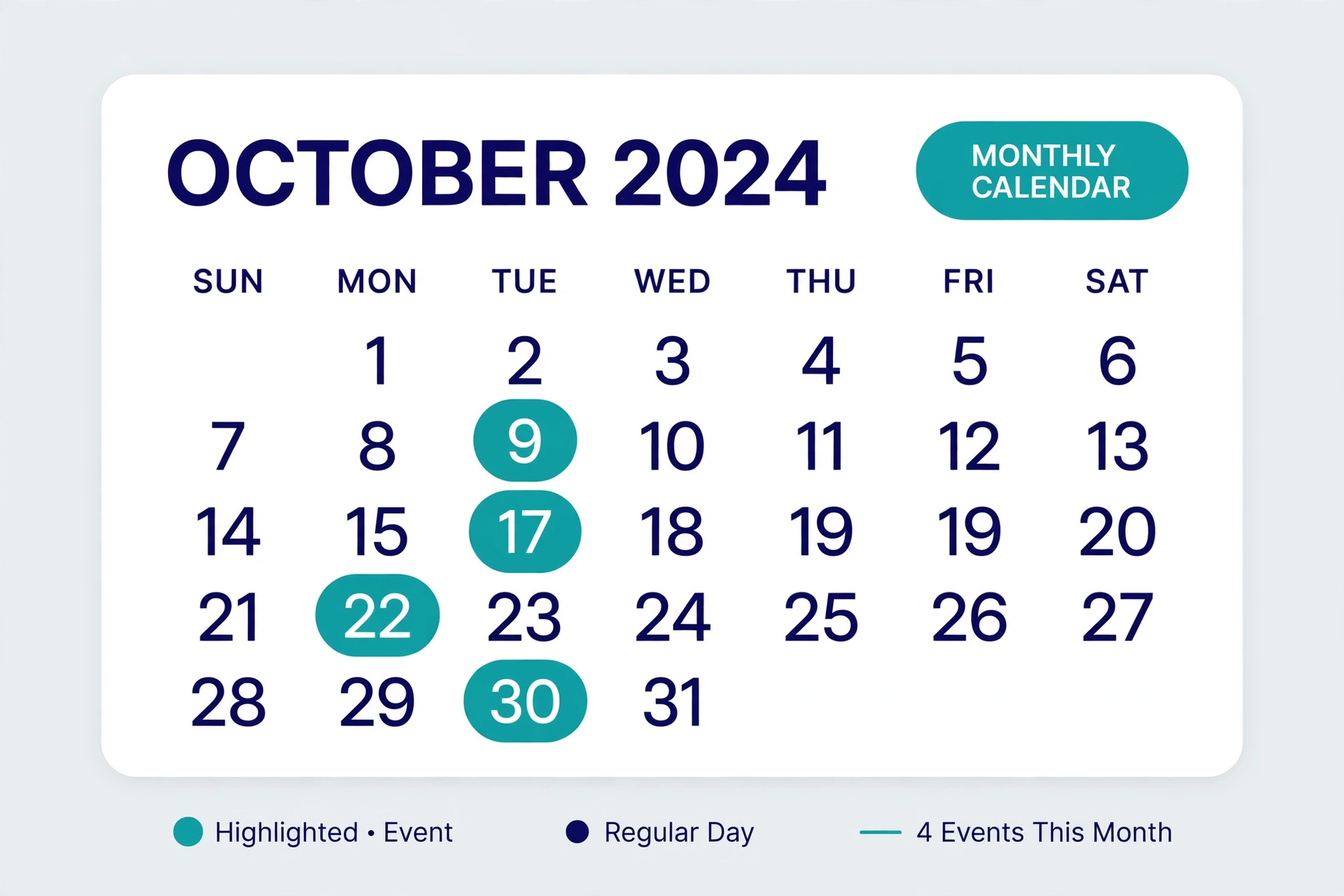
For most local businesses, the practical sweet spot is one What’s New post a week, plus Events and Offers whenever they’re genuinely running. Weekly works because of the freshness pattern above: there is always something current on the profile, and no single post has to carry a month of pressure.
The way to sustain weekly is to batch: sit down once a month for half an hour and draft four posts — a finished job, a tip, a team spotlight, whatever the season demands. Google doesn’t offer native scheduling in the dashboard, so publish manually in a five-minute weekly slot or use a reputable local SEO tool that supports scheduled posts.
Build the calendar around your business’s real rhythm: seasonal services (HVAC tune-ups, tax preparation, back-to-school anything) should post ahead of their demand, not during it. Slow weeks are for evergreen material — FAQs in post form, before-and-after work, review highlights (with permission). Every blog post and finished job is a GBP post waiting to happen.
4. Images: the part of the post people actually see
In search results, the image is most of the post. Get it wrong and the words never get read.
- Size and format: use JPG or PNG, and aim for 1200 × 900 px (4:3) — that ratio displays cleanly in both Search and Maps placements. Keep the file within Google’s photo limits (10 KB–5 MB) and don’t publish anything narrower than about 720 px; it will look soft wherever it lands.
- Keep the subject centred: previews crop the edges differently across placements, so a subject jammed against the frame’s edge gets amputated somewhere. Text baked into the image is the first casualty of cropping — keep it minimal and centred, or skip baked-in text entirely.
- Real photos beat stock, every time: your team, your truck, your finished work, your shelves, your storefront. Local searchers are deciding whether to trust a real business near them; glossy stock reads as stock, and locals can tell.
- One strong image per post, chosen to stop the scroll at first glance: bright, well lit, in focus.
- Don’t recycle the same image on every post for a month. Repetition trains searchers to skip you.
5. Writing posts: keywords without stuffing
Posts are written for people at the moment of decision, and Google doesn’t reward keyword density here. Repeating “best plumber in Brampton” five times in one post doesn’t move your rankings — category, services and reviews do that work — and it makes your profile read like spam to the humans you’re trying to convert.
Write it like a notice board instead: what it is, who it’s for, when it happens, what to do next.
- Lead with the point. The first line is what shows before a searcher expands the post. “Now booking spring AC tune-ups” earns the tap; “Here at ABC Heating we are pleased to announce…” doesn’t.
- Use exactly one CTA button, matched to intent. Learn more for articles and detail pages, Book for appointments, Call now for urgent services, Sign up for events, Buy or Order online for products. One post, one action.
- Use the button instead of pasting contact details. Posts that include a phone number or a raw URL in the body text can be rejected under Google’s post content policies — the Call now button exists precisely for this, and it dials your profile’s primary number.
- Local flavour is not stuffing. Naming the neighbourhood in a genuine event post — a free skate-sharpening weekend in downtown Brampton — is natural relevance. There’s a clear difference between describing something real and repeating a keyword phrase until the text stops making sense.
- Send the click to the right page. The button should land on the page that continues the post — the offer page, the event registration, the specific service — not your homepage by default. A searcher who has to hunt for the thing the post promised usually doesn’t.
6. Tracking: prove the posts earn calls and directions
The most common reason businesses abandon GBP posts is “we couldn’t tell if they worked.” That’s a tracking failure, not a posts failure — and it’s fixable in ten minutes.
Tag every post link with UTMs. The button link is the only clickable URL in a post, so it’s the one to tag: utm_source=google&utm_medium=organic&utm_campaign=gbp-posts, and vary the campaign name by theme (gbp-offer-spring, gbp-event-open-house). Without UTMs, clicks from your profile blend into generic organic traffic in GA4, and posts will always look like they do nothing.
Read the Performance tab. Your GBP dashboard reports the actions that matter — calls, direction requests, website clicks, bookings and messages — over time. Judge posts on those actions, not on impressions. Direction requests are the money metric for storefronts; calls are the money metric for service-area businesses. Compare a quarter of consistent posting against the quarter before it, and let that trend decide whether the habit is paying.
Connect the two views. In GA4, tagged sessions show which post themes produced engaged visits and conversions. Over a few months a pattern emerges — usually that offers and events with a Book or Call button outperform announcements — and that pattern should set next quarter’s calendar.
7. Common mistakes that waste the effort
- Posting once and ghosting. A single dusty post from last year reads worse than none at all.
- Keyword stuffing. Covered above — it doesn’t rank you, and it repels the humans.
- Phone numbers and URLs in the body text. A rejection risk under Google’s content policies; use the buttons.
- Expired offers left live. The fastest way to teach searchers your profile can’t be trusted.
- Stock photos and text-heavy flyers. They crop badly and locals discount them on sight.
- Every button pointing at the homepage. The click should continue the post’s promise, not restart the journey.
- Copy-pasting the identical post to every location. Multi-location businesses should tailor at least the photo, the details and the neighbourhood references per location — identical posts everywhere read as neglect.
- Never opening the Performance tab. If you don’t look at calls and direction requests, you’re flying blind and you’ll quit a working habit.
- Treating posts as the whole strategy. Posts amplify a complete profile with reviews flowing and a solid website behind it. They don’t substitute for one.
8. Where posts fit in the wider local SEO strategy
Think of your local presence as a stack. At the base: a complete profile with the right primary category and a full services list. Above that: a steady flow of reviews, fresh photos, and a website with real location and service pages. Citations and listings consistent everywhere. Posts sit on top of the stack as the conversion layer — the part that speaks to this week’s searcher with this season’s reason to call.
The layers also feed each other. A good post topic becomes a blog paragraph; a great review becomes a What’s New post (with permission); a seasonal offer runs in sync across your GBP post, site banner and email list.
That consistency matters more every year, because AI search tools assemble local answers from exactly this material — your profile, reviews, site and listings. An actively maintained profile with details that agree everywhere is part of the corroboration set AI answers are built from; a dead profile actively argues against you.
Frequently Asked Questions (FAQ)
How often should a business post on Google Business Profile?
Once a week is the practical standard for most local businesses — one What’s New post weekly, plus Events and Offers whenever they’re genuinely running. Weekly keeps something current on the profile at all times, because engagement with posts is strongest in the days right after publishing.
Do Google Business Profile posts help rankings directly?
Not in the way categories, services and reviews do. Posts are primarily a conversion tool: they give searchers who already see your profile a reason to call, get directions or book. Judge them on the actions they generate, not on expecting a direct ranking lift.
What image size works best for GBP posts?
Aim for 1200 × 900 px (4:3) in JPG or PNG, with the subject centred — previews crop differently in Search and Maps, and centred subjects survive every crop. Keep files within Google’s 10 KB–5 MB photo limits and avoid text baked into the edges of the image.
Can I schedule GBP posts in advance?
Not natively — Google’s profile dashboard doesn’t offer post scheduling. Either publish manually in a short weekly slot (batch-write a month of posts in one sitting to make this painless) or use a reputable local SEO tool that supports scheduled GBP posts.
How do I know if my GBP posts are working?
Tag every post’s button link with UTM parameters and watch two things: the tagged sessions and conversions in GA4, and the calls, direction requests and website clicks trend in your profile’s Performance tab. Compare a period with a consistent posting rhythm to the period before it.

SEOelinks is a Brampton-based SEO agency helping service businesses across Canada and worldwide win organic search. Our strategists publish the same field-tested playbooks on technical SEO, local visibility and AI search that we run for clients every day.
More about SEOelinks →