Interior designers sell a visual result, and most win work through referrals and Instagram. Both channels are real — but neither captures the homeowner who types “interior designer near me” the week they buy a house, or “kitchen designer Brampton” the night they decide to renovate. Those searches are intent: the person is ready to hire, and the designers who show up take the consultation.
This guide covers interior designer SEO the way it works in 2026 — local rankings first, portfolio and image SEO, the discovery platforms that actually send design clients, project content, and what AI search means for a visual business.
1. Local SEO is where design clients are won
Design work is bought locally. Even high-end clients who find you through a magazine feature will Google your name plus your city before they call. The searches that fill a pipeline are location searches: “interior designer [city],” “kitchen and bath designer near me,” “home staging [neighbourhood].” Ranking for them comes down to three assets.
Google Business Profile: your local storefront
For a design studio serving local clients, a complete Google Business Profile is often the first thing a prospect sees — before your website. Treat it with the same care as your portfolio:
- Category: choose “Interior Designer” as the primary category (or “Interior Design Consultant” if that matches your practice), and add secondary categories for services you actually offer, such as kitchen planning or home staging.
- Description: use the full description to state your style specialties (modern, transitional, whole-home renovations), your services, and the areas you serve.
- Service area: list every city and neighbourhood you work in, not just the city your studio sits in.
- Photos: upload your strongest finished-project photography directly to the profile — these appear in Maps and the local pack, where clients compare you against competitors at a glance. Follow Google’s photo guidance: JPG or PNG, in focus, well lit, no heavy filters or stock imagery.
- Posts: publish to the profile the way you’d post a project reveal — a finished kitchen, a seasonal refresh offer, a “now booking” note. An active profile signals a living business.
- Reviews: ask for a review at the happiest moment — the final walkthrough or the day the last piece of furniture lands. Send a direct link, and ask clients to mention the project type and neighbourhood (“full kitchen redesign in Kleinburg”). That wording is exactly what future clients search.
One page per service area you actually serve
If you work across several cities, each major one deserves its own page — yoursite.com/interior-designer-brampton, for example. The page must earn its existence: projects you’ve completed in that city, neighbourhoods you know, the housing stock you typically work on (heritage homes, new-build subdivisions, condos), and local suppliers or trades you partner with. A template with the city name swapped in will not rank, and clients can smell it. Add LocalBusiness schema with the city in areaServed.
Citations and consistent details
Claim and complete your listings on Houzz, Yelp, and the local directories your market uses. Your business name, phone number and website must read identically everywhere — “Willow & Main Interiors” on Google and “Willow and Main Design” on a directory looks like two different businesses to a search engine. Also claim Apple Business Connect: it controls how you appear in Apple Maps, Siri, Spotlight and Safari — the default discovery layer for every iPhone owner in your market — and most design studios have never touched it.
2. Portfolio and image SEO: your work, made findable
A design portfolio is a gallery of images, and search engines cannot see images the way clients do. Every project photo needs text around it that explains what the photo shows, where it is, and what problem it solved. That text is what ranks.
- Descriptive filenames: rename before you upload —
brampton-modern-kitchen-renovation-marble-island.jpg, neverIMG_2041.jpgorfinal-final-2.jpg. - Alt text that describes the room: “Bright transitional kitchen with white oak cabinetry, marble island and brass fixtures in a Brampton family home” tells a search engine (and a screen reader) exactly what’s in the frame. Write for the scene, not the keyword list.
- Captions and project context: a caption under each gallery image — the neighbourhood, the style, the scope — gives the page indexable, useful text instead of a silent wall of photos.
- Compression and format: export WebP at quality ~80%, keep gallery images lean, and lazy-load below the fold. Portfolios are heavy; a slow gallery on a client’s phone loses the inquiry before the photos load. Never lazy-load your hero image.
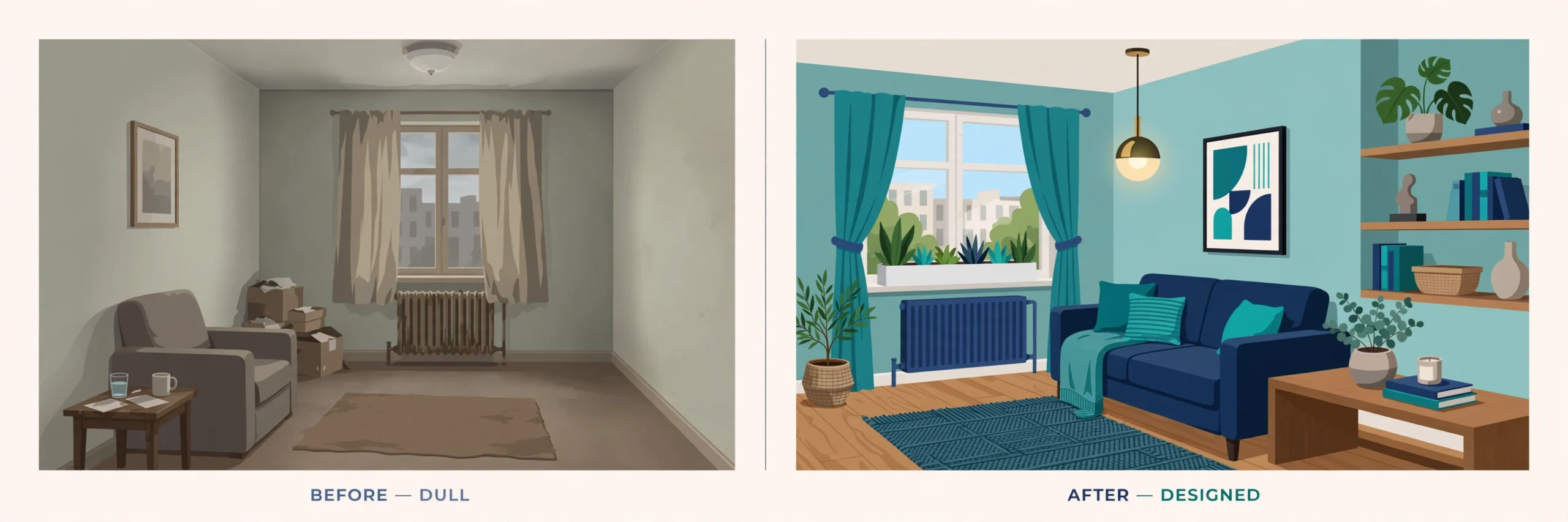
Before-and-after galleries, done properly
Before-and-after content is the most persuasive format in design — and the most wasted, because most studios post it as two naked images. Give each transformation its own page or a clearly headed section with:
- Both photos labelled in the filenames and alt text (“before” and “after,” room, city).
- A short written story: the brief, the constraints (budget, layout, timeline), what changed, and the result.
- The project details clients search for — room type, style, neighbourhood — in the heading itself: “Before & After: A Dated Oak Kitchen Becomes a Bright Family Hub in Mississauga.”
That written layer is what lets the gallery rank, get cited by AI search tools, and be found on Google Images — which is itself a real discovery channel for design work.
3. Pinterest and Houzz: the discovery channels designers underuse
For visual home businesses, Pinterest and Houzz are not social media — they are search engines where homeowners go to plan projects, often months before they hire anyone. Being findable there puts you in the consideration set early.
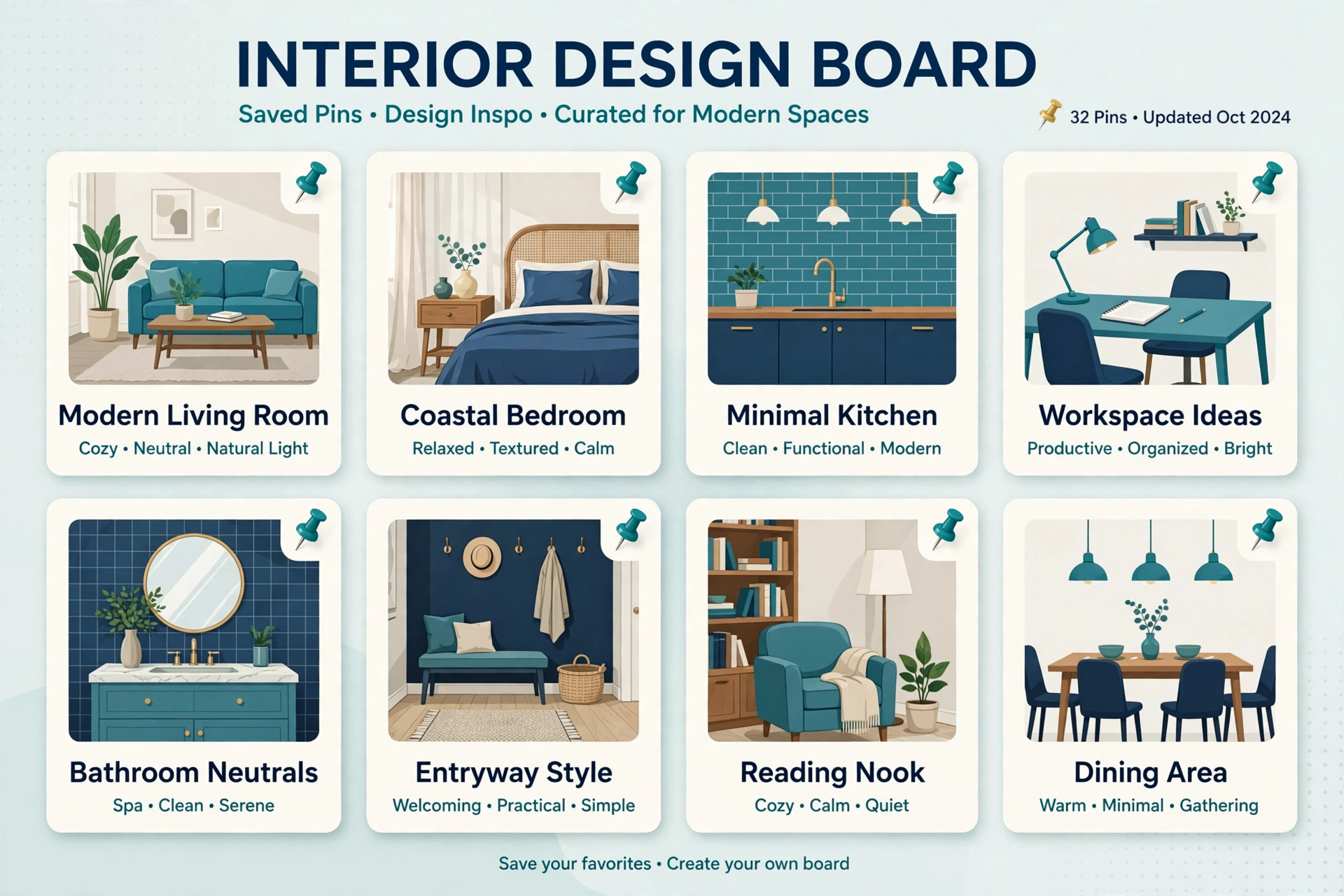
- Build boards the way clients think: by room, by style, by city (“Toronto Kitchen Renovations,” “Warm Minimal Living Rooms”) — not by your internal project codes.
- Pin every project page and blog post with a link to that specific page, never just your homepage. The click should land on the full gallery and the inquiry form.
- Write keyword-rich pin descriptions in plain language: room, style, materials, city. Pinterest reads descriptions the way Google reads a paragraph.
- Fresh pins from new project photography outperform endlessly re-pinning old images. Every finished project is a new set of pins.
Houzz
- Complete every field of your Houzz profile — services, service area, and a description written with the same keywords clients search (“kitchen and bathroom design,” your cities).
- Upload projects as full Houzz projects with room-by-room photos and descriptions, not single images. Houzz projects surface in Houzz search and in Google results.
- Ask satisfied clients to review you on Houzz specifically. Houzz reviews carry weight with homeowners researching there, and the profile supports the same local trust signals as your Google reviews.
- Answer questions in the Houzz discussion forums where you genuinely know the answer — it’s visibility in front of people mid-project, and it builds the expert reputation that wins consultations.
4. Project blog posts: every finished job becomes a ranking asset
A finished project is the best content a designer can publish, because it’s proof, portfolio, and local SEO in one page. Treat each significant project as a post:
- Title format:
[Room/Project] in [Neighbourhood], [City]: [Style or standout detail]— this captures searches from homeowners planning the same kind of project nearby. - Tell the story: the client’s brief, the problems with the original space, the design decisions, the trades involved, and the finished result — with the full gallery woven through.
- Credit your partners: link to the contractor, cabinetmaker, and suppliers. They share and link back, and those local backlinks are the kind money can’t buy cleanly.
- Cost-guide content works too: homeowners constantly search what renovations cost. Publish guides built from your own real project ranges — “What a Kitchen Renovation Costs in Brampton: Real Numbers From Our Projects.” You don’t need industry statistics; your own completed work is the authority, and it’s content no competitor can copy.
Publish within a few weeks of the photo shoot, while the project is fresh and your trades are still talking about it.
5. AI search for visual businesses (2026 edition)
Homeowners increasingly ask AI tools — Google’s AI Overviews, ChatGPT, Perplexity — for designer recommendations and design advice. These tools answer from text. Audit your site with the photos mentally removed: is there enough written substance for an AI to know your style, your services, your city, and why you’re credible?
- Write specific service pages: “Kitchen design,” “Whole-home renovation design,” “Condo design” — each with process, scope, and areas served in real sentences, not just galleries.
- Add FAQ sections to service pages: pricing approach, timelines, whether you work with the client’s contractor, minimum project size. FAQ-formatted content is what AI tools quote — and with FAQ schema it can also expand your classic search results.
- Keep your details consistent across your website, Google Business Profile, Houzz and directories. AI answers recommend businesses whose facts agree everywhere they’re published.
- Descriptive image text matters more, not less: AI image understanding leans on filenames, alt text and surrounding copy. The portfolio discipline in section 2 is also your AI-search strategy.
6. Technical basics that quietly cost you clients
- Mobile first: most clients will first see your site on a phone, often standing in the house they’re about to renovate. Test the tap targets, the gallery swipe, and the contact button yourself.
- Speed: compress images, cut unused plugins, use fast hosting. Portfolios die by a thousand uncompressed JPEGs.
- One obvious next step: every page should make booking a consultation effortless — a visible contact action and a short form, not just a phone number in the footer.
- Search Console: verify your domain. It’s the only reliable record of which searches and images are actually bringing you visitors.
Frequently Asked Questions (FAQ)
How long does SEO take for an interior designer?
Local SEO typically shows movement in 2–4 months: a completed Google Business Profile and a steady review flow can lift map visibility quickly, while project posts, service-area pages and Houzz/Pinterest presence compound over 6–12 months.
Do interior designers really need a blog?
Yes — but not a diary. Project features and cost guides are the content that ranks for the rooms, styles and cities your clients search. Each finished project you publish becomes a permanent page that can bring inquiries for years.
Is Pinterest worth it for an interior design business?
For most residential designers, yes. Homeowners use Pinterest to plan projects long before they hire, so keyword-rich boards and pins linked to your project pages put you in front of clients at the planning stage — and the pins keep sending traffic long after you post them.
What matters most in a designer’s Google Business Profile?
The correct primary category, a complete service area, strong finished-project photos uploaded directly to the profile, and a steady flow of reviews that mention the project type and neighbourhood. Those four elements do most of the work in local rankings.
How should I optimize before-and-after photos?
Give each transformation a page or headed section, label both images in filenames and alt text (room, “before”/”after,” city), and add the written story — brief, constraints, what changed. The photos persuade clients; the text is what search engines rank.

SEOelinks is a Brampton-based SEO agency helping service businesses across Canada and worldwide win organic search. Our strategists publish the same field-tested playbooks on technical SEO, local visibility and AI search that we run for clients every day.
More about SEOelinks →