Choosing childcare is one of the most emotional decisions a parent makes — and it almost always starts with a search. “Daycare near me.” “Preschool with openings in [neighbourhood].” “Toddler care [city].” Parents run these searches under real pressure: a parental leave ending, a move, a spot opening up at the wrong time. The centres that appear in those results, look warm and credible, and make the next step obvious get the tour bookings. The ones that don’t appear at all compete for whoever is left.
Daycare SEO in 2026 is mostly a local game with a trust layer on top. This guide covers the full playbook: Google Business Profile, location pages, parent search intent, reviews, photos, and showing up when parents ask AI tools where to send their kids.
1. Local SEO is where daycare enrolment starts
Childcare is hyper-local. Families will consider centres within a short drive or a short walk of home or work — and they search accordingly. That makes local SEO less a marketing channel and more the front door of your enrolment funnel.
Google Business Profile: your most important listing
For map results and the local pack — where “daycare near me” searches are decided — a complete Google Business Profile matters more than any single page on your website:
- Category: choose the most accurate primary category — “Day Care Center,” “Preschool,” or “Child Care Agency” depending on what you actually operate — and add the others as secondary categories where they genuinely apply.
- Description: write the full description covering the programs you offer (infant, toddler, preschool, kindergarten, before/after school), your approach or philosophy in plain language, and the neighbourhoods you serve.
- Hours and details: keep hours, holiday closures, and contact details current. A parent who drives over based on wrong hours doesn’t just leave — they leave annoyed. Add attributes that apply (for example, outdoor play area or meals provided) where Google offers them.
- Service details: list each program as a service with age ranges. “Infant care (0–18 months)” as a named service matches how parents actually search far better than a generic “childcare” listing.
- Posts: use profile posts for the things parents check for — registration openings, open house dates, summer program announcements, waitlist openings. An active profile reads as an active, organized centre.
One location page per centre — and per neighbourhood
Multi-location operators should give every centre its own page: yourcentre.com/locations/[neighbourhood]. Each page needs genuinely unique content, not the same template with the name swapped:
- Photos of that centre — its classrooms, playground, and street presence.
- The specific programs and age groups at that location (they often differ).
- Practical details parents search for: hours, the nearest major intersections or transit stops, parking and stroller access, nearby schools for before/after programs.
- Tour booking for that location, one tap away.
Add LocalBusiness/ChildCare schema with the centre’s address, hours, and geo coordinates. Single-location centres benefit too: a page per program (infant, toddler, preschool) gives each age group its own ranking target, since parents search by their child’s age, not yours.
Citations and NAP consistency
Claim your listings on Yelp, local parent directories, childcare-finder sites, and your licensing body’s public listing where one exists. Your centre name, address, and phone number must be identical everywhere — a suite number dropped on one listing is enough to fragment how search engines see you. Also claim Apple Business Connect so you’re correct in Apple Maps and Siri results, which is where a large share of parents on iPhones will find you.
2. Parent search intent: match the moment, not just the keyword
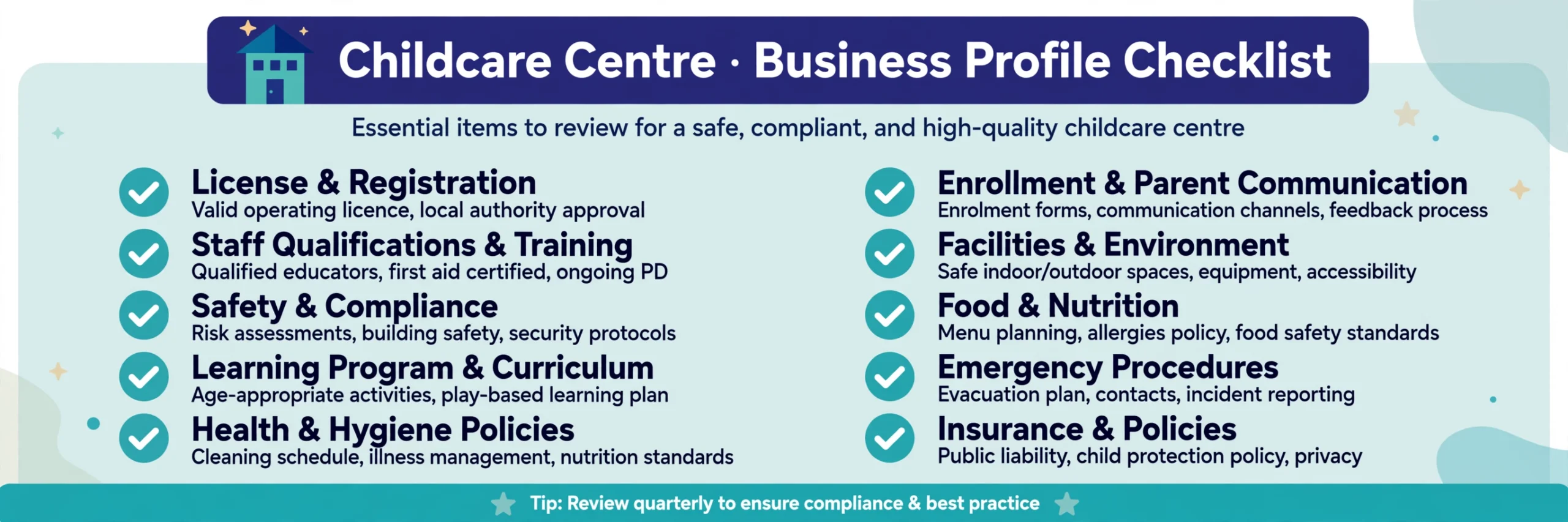
Parents don’t search like other customers. Understanding the moments behind the searches lets you build pages that answer the real question:
- “Daycare near me” / “daycare near [neighbourhood]” — the parent needs a shortlist now. These land on your GBP and location pages. Ranking here is the baseline; being absent here is fatal.
- “Daycare with openings” / “daycare waitlist [city]” — availability anxiety. Publish an honest availability/waitlist page: how your waitlist works, when spots typically open (September and January transitions are common pressure points), how families are contacted, and a waitlist signup form. Even “currently full — join the waitlist” content captures demand your competitors’ silent websites lose. Update it when it changes; a stale “spots available!” page from two years ago destroys trust.
- “How much is daycare in [city]” / program cost questions — parents budget early. You don’t have to publish exact fees (many centres prefer not to), but a page addressing what fees include — meals, hours, field trips — ranks for cost searches and pre-answers the first question on every tour.
- Age-specific searches — “infant daycare,” “toddler program,” “preschool near me,” “before and after school care.” One page per program, written for that age group’s parent concerns (ratios, naps and feeding for infants; school readiness for preschool), each interlinked.
- Trust searches — your centre’s name plus “reviews,” “licensed,” “inspection,” or “curriculum.” These are parents mid-decision checking you specifically. Your job is to make sure what they find — your site, your profile, your reviews — answers calmly and consistently.
3. Photos: the highest-converting content a daycare has
For childcare, photos do the persuading. Parents are evaluating safety, warmth, cleanliness, and whether their child will be happy — and they judge it from images before they read a word.
- On your GBP and website: bright classrooms with natural light, tidy organized play spaces, the outdoor play area, meal and nap spaces, security features like controlled entry. Real photos of your centre, always — stock photos of someone else’s facility are instantly recognizable and quietly corrosive to trust.
- Keep them fresh: add new photos regularly (seasonal activities, a renovated room, garden day). Recency signals an active centre to both Google and parents.
- Mind consent, rigorously: only publish identifiable photos of children with signed parent/guardian permission under your photo policy — and when in doubt, photograph spaces, materials, hands-at-work, and backs rather than faces. This is a licensing and trust issue, not just an SEO one.
- Image basics: descriptive filenames and alt text (“toddlers playing in sunny preschool classroom with reading corner”) help search engines understand and surface your images, and help accessibility tools describe your centre accurately.
4. Reviews from parents: your trust engine
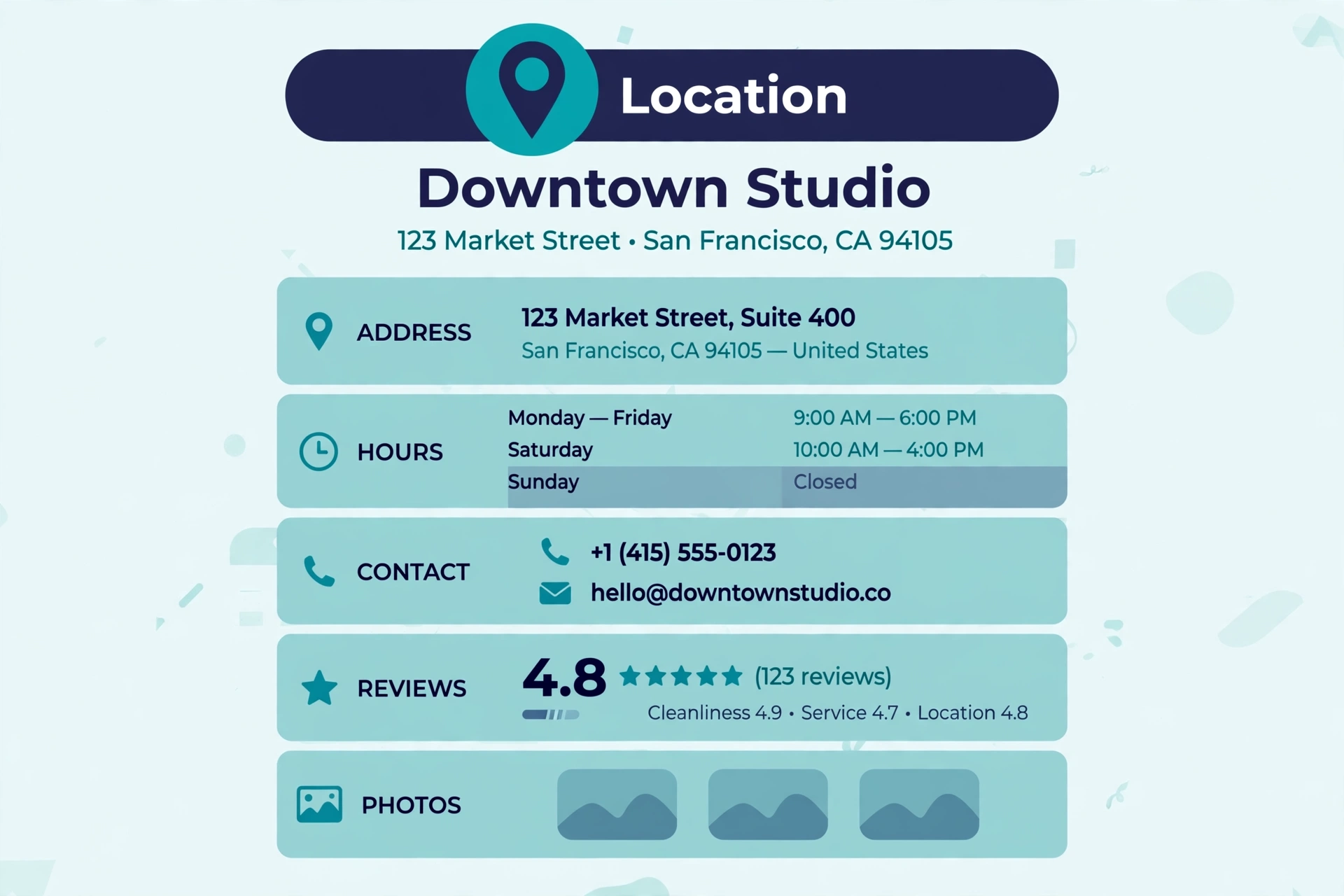
Reviews sit at the centre of daycare decisions. Parents read them the way they’d ask another parent at the park — and a steady flow of genuine, detailed reviews influences both your local rankings and whether a shortlisted parent books a tour.
- Ask at the right moments: after a successful first week, after a recital or family event, when a parent compliments staff in person. A short, kind request — in person, in your parent newsletter, or a card at pickup with a direct review link or QR code — outperforms any automated blast.
- Make it one tap: a direct link to your Google review form, shortened and printed where parents will see it. Every extra step costs you reviews.
- Never incentivize or script reviews. No discounts for five stars, no suggested wording, no reviews from staff. Regulators and platforms both frown on it, and parents can tell.
- Respond to every review. Thank the reviewer, warmly and briefly. For a negative review, respond with calm professionalism and an offer to discuss offline — never argue, never share anything about a specific child or family, and remember every prospective parent is reading your response, not just the reviewer.
- Aim for a flow, not a flood. A few new reviews a month, sustained, reads as a healthy centre and keeps your profile active. Twenty in one week followed by silence looks manufactured, because it usually is.
5. Show up in AI search (2026 edition)
Parents increasingly ask ChatGPT, Google’s AI Overviews, and Perplexity things like “what’s a good daycare near [neighbourhood] for a 2-year-old?” or “questions to ask on a daycare tour.” AI tools build answers from sources they can read and cross-check. Centres with clear, consistent, detailed information get recommended; vague ones get skipped.
- State the facts plainly on your site. Programs, age ranges, hours, neighbourhoods served, your approach to meals, naps, and outdoor time — written out in text, not trapped in images or PDFs AI can’t easily parse.
- FAQ sections on program and location pages. Answer the real tour questions: “What are your ratios?” “What does my child need to bring?” “How does the waitlist work?” “Can I visit before enrolling?” FAQ-formatted answers are exactly what AI tools quote — and with FAQ schema, they also enhance classic search results.
- Consistency everywhere. Centre name, address, phone, hours, and programs should match across your website, Google Business Profile, and directories. AI systems cross-reference sources; disagreement quietly drops you from the answer.
- Be the local source. A genuinely useful guide on your site (“How to choose a daycare in [city]: a parent’s checklist”) gives AI tools — and local media and parent groups — something worth citing and linking.
6. Technical basics that cost you tours when skipped
- Mobile first, always. Parents search on phones, often one-handed, often in a hurry. Your phone number and tour booking must be tappable from every page without zooming or hunting.
- A tour booking path that takes under a minute. Name, child’s age, preferred location, contact details — that’s the form. Every field beyond that costs submissions.
- Speed. Compress photos (your strongest content is also your heaviest), keep the site lean, and test load time on a mid-range phone, not your office desktop.
- Search Console. Verify your site. It’s the only honest source for which searches actually bring parents to you — and it usually reveals programs worth building pages for.
Frequently Asked Questions (FAQ)
How long does SEO take for a daycare?
Local improvements — a completed Google Business Profile, consistent listings, a working review flow — can lift map visibility within a few months. Program and location pages compound over 6–12 months. Enrolment is seasonal, so centres that start before the busy registration periods capture demand competitors scramble for later.
What is the most important SEO factor for a daycare?
A complete, active Google Business Profile: correct category, named programs with age ranges, current hours, real photos, and a steady flow of parent reviews. For “daycare near me” searches — the highest-intent searches in childcare — it’s the single highest-impact asset you have.
Should a daycare publish its fees online?
It’s a judgment call. Publishing fees isn’t required to rank, but a page explaining what fees include and how billing works captures cost-related searches and saves your staff from answering the same first question on every tour. If you keep fees off the site, say how to get them (“contact us for current rates”) rather than leaving a vacuum.
How do daycares get more Google reviews?
Ask happy parents at natural moments — after the first settled week, after events, after a compliment — and make it one tap with a direct link or QR code at pickup. Respond to every review. Never offer incentives or suggest wording; genuine, steady reviews are both the compliant and the effective route.
Can AI search recommend my daycare?
Yes — AI tools recommend centres they can verify: clear program and age-range information, consistent name/address/hours across your site, Google Business Profile and directories, and FAQ content that answers real parent questions. If your details are scattered or contradictory, AI answers will name a competitor whose information checks out.

SEOelinks is a Brampton-based SEO agency helping service businesses across Canada and worldwide win organic search. Our strategists publish the same field-tested playbooks on technical SEO, local visibility and AI search that we run for clients every day.
More about SEOelinks →